
Shodan Queries
Source: https://github.com/jakejarvis/awesome-shodan-queries at
b3439d187b03
License: CC0-1.0
Read the English original
This edition is an AI-assisted translation.
Shodan 検索クエリ集 
Section titled “Shodan 検索クエリ集 ”長い間、私は Shodan(その名の通りのインターネット検索エンジン)に放り込むための、興味深く、おかしく、そして憂鬱な検索クエリを集めてきました。中には頭を抱えたくなるような結果を返すものもあれば、実際に野外で見つかる深刻な、そして/または古い脆弱性を返すものもあります。
大半の検索フィルターには Shodan アカウントが必要です。
可能な場合、これらのクエリは保護されていない/オープンなインスタンスのみを返すと想定して構いません。法的な観点から、そうでない場合は(デフォルトのパスワードであっても)ログインしようとしてはいけません! 末尾に country:US や org:"Harvard University"、hostname:"nasa.gov" のようなフィルターを追加することで結果を絞り込めます。
世界とそのデバイスは、きらびやかな新しい Internet of Things Sh*t を通じて急速に相互接続されており、その結果として指数関数的に危険になっています。そのため、私はこのリストが害ではなく、意識の啓蒙(そして、率直に言えば、ズボンを濡らすような恐怖)を広めることを願っています。
そしていつものように、責任を持って発見し開示しましょう! 🤓
産業用制御システム
Section titled “産業用制御システム”Samsung 電子看板 🔎 →
Section titled “Samsung 電子看板 🔎 →”"Server: Prismview Player"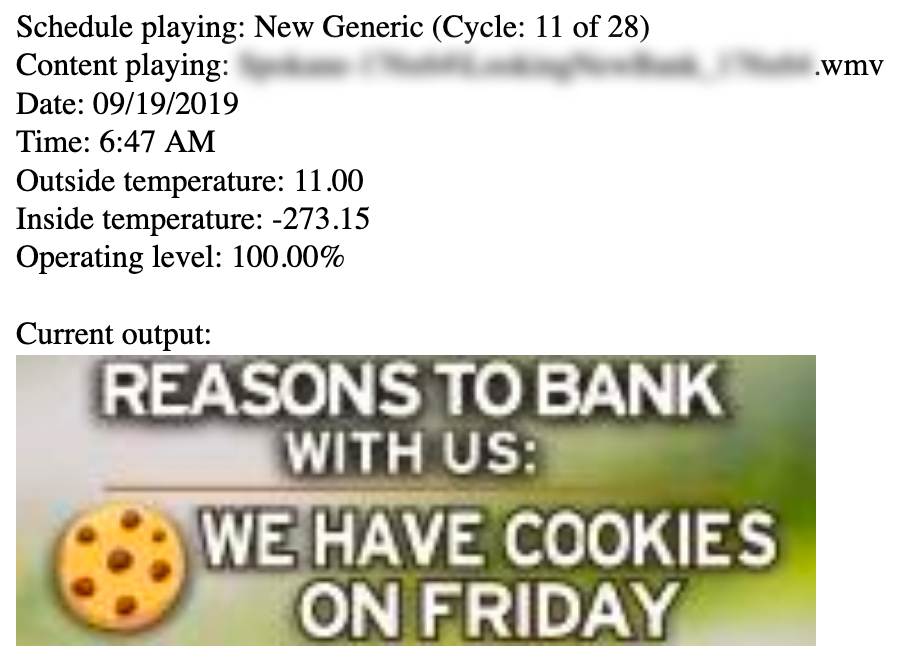
ガソリンスタンド給油ポンプ制御装置 🔎 →
Section titled “ガソリンスタンド給油ポンプ制御装置 🔎 →”"in-tank inventory" port:10001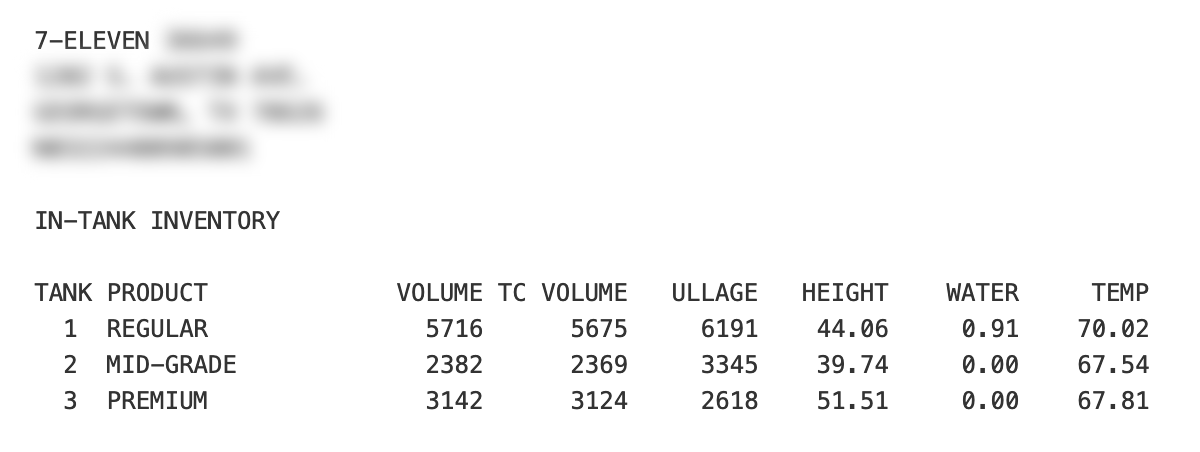
自動ナンバープレートリーダー 🔎 →
Section titled “自動ナンバープレートリーダー 🔎 →”P372 "ANPR enabled"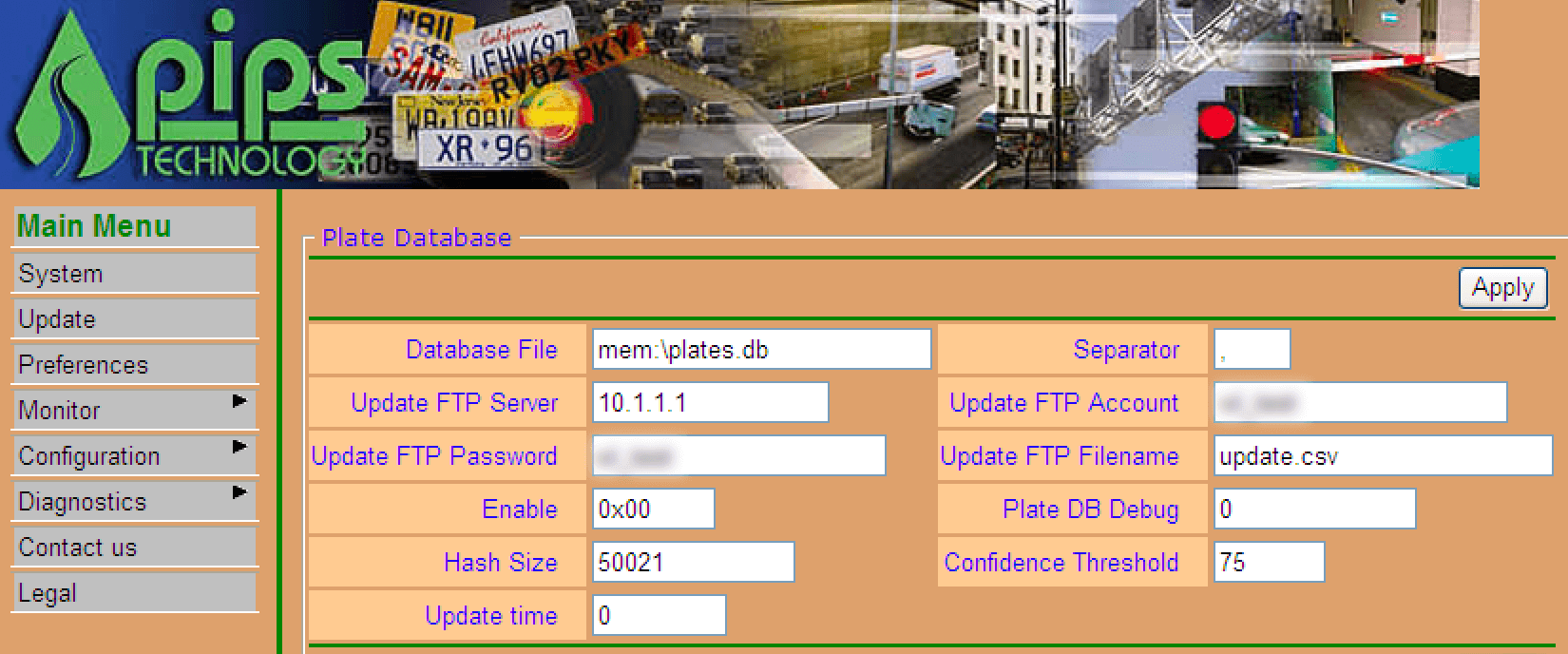
信号機制御装置 / 赤信号カメラ 🔎 →
Section titled “信号機制御装置 / 赤信号カメラ 🔎 →”mikrotik streetlightアメリカの投票機 🔎 →
Section titled “アメリカの投票機 🔎 →”"voter system serial" country:US"Cisco IOS" "ADVIPSERVICESK9_LI-M"Cisco が RFC 3924 で概説している盗聴の仕組み:
合法的な傍受(lawful intercept)とは、傍受対象者の通信を法的に認可された上で傍受し、監視することである。「傍受対象者(intercept subject)」という用語は[…]、その通信および/または傍受関連情報(IRI)を何らかの機関へ傍受し配信することが法的に認可されている電気通信サービスの加入者を指す。
刑務所の公衆電話 🔎 →
Section titled “刑務所の公衆電話 🔎 →”"[2J[H Encartele Confidential"http.title:"Tesla PowerPack System" http.component:"d3" -ga3ca4f2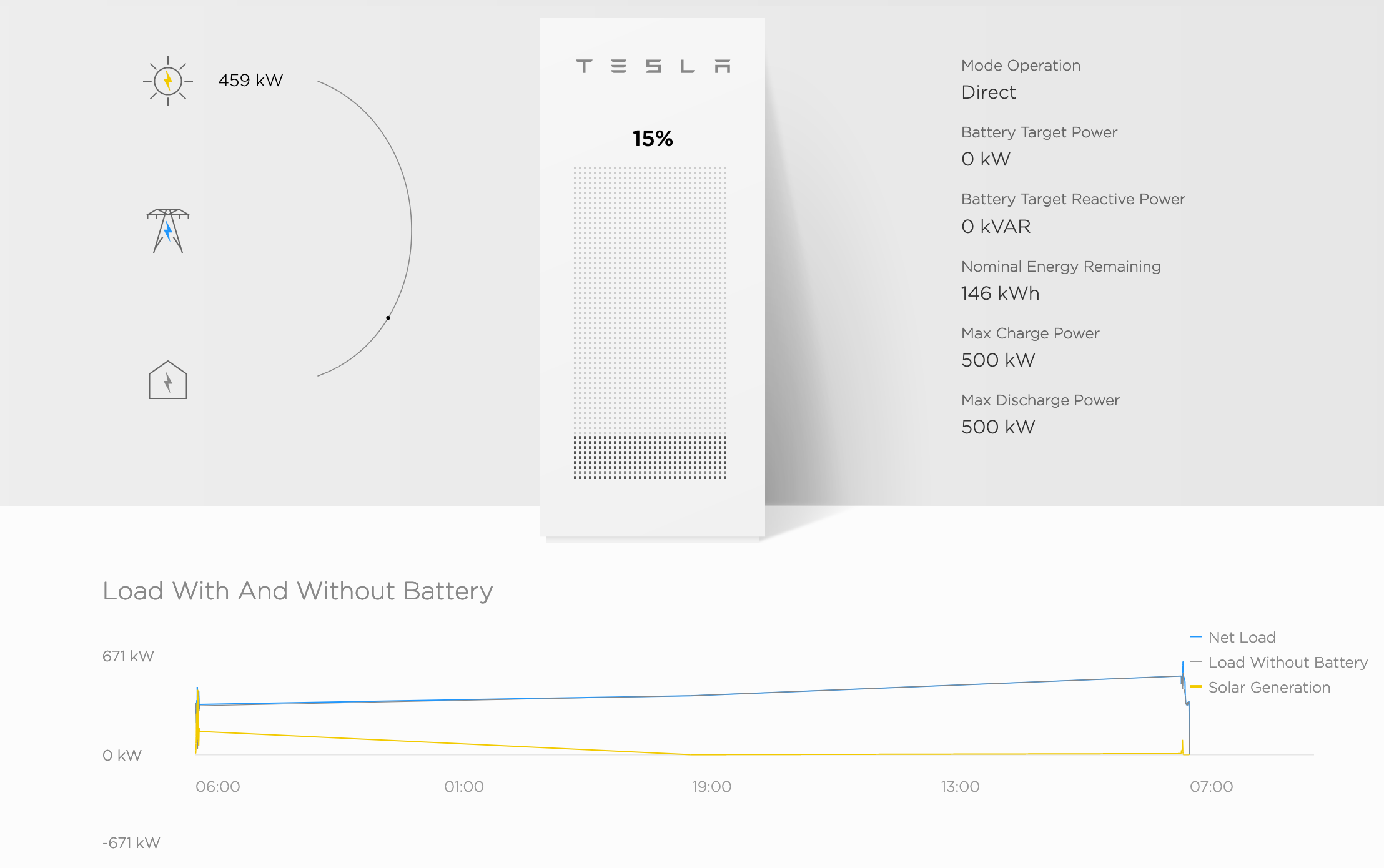
電気自動車充電器 🔎 →
Section titled “電気自動車充電器 🔎 →”"Server: gSOAP/2.8" "Content-Length: 583"Shodan は船の位置をリアルタイムにマップする、かなり素晴らしい Ship Tracker も作っています!
"Cobham SATCOM" OR ("Sailor" "VSAT")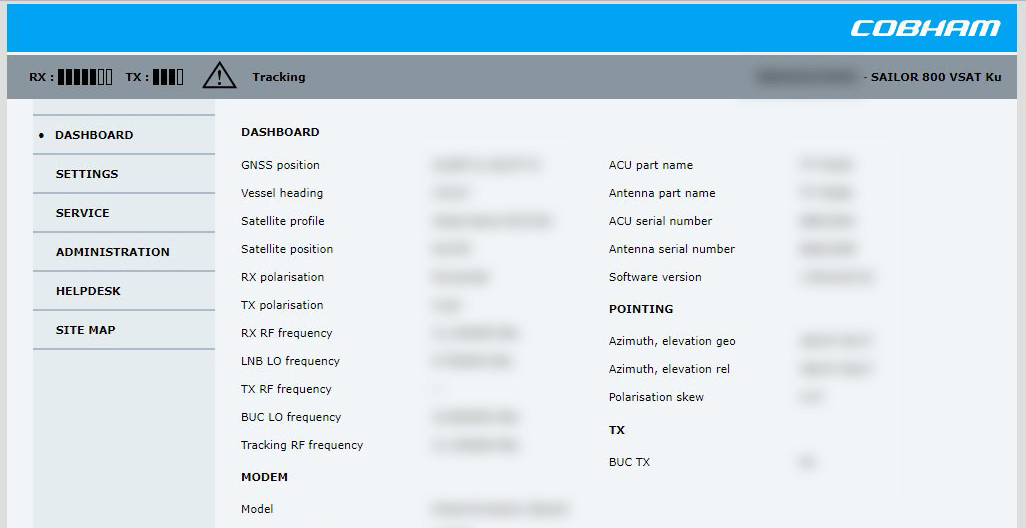
潜水艦ミッションコントロールダッシュボード 🔎 →
Section titled “潜水艦ミッションコントロールダッシュボード 🔎 →”title:"Slocum Fleet Mission Control""Server: CarelDataServer" "200 Document follows"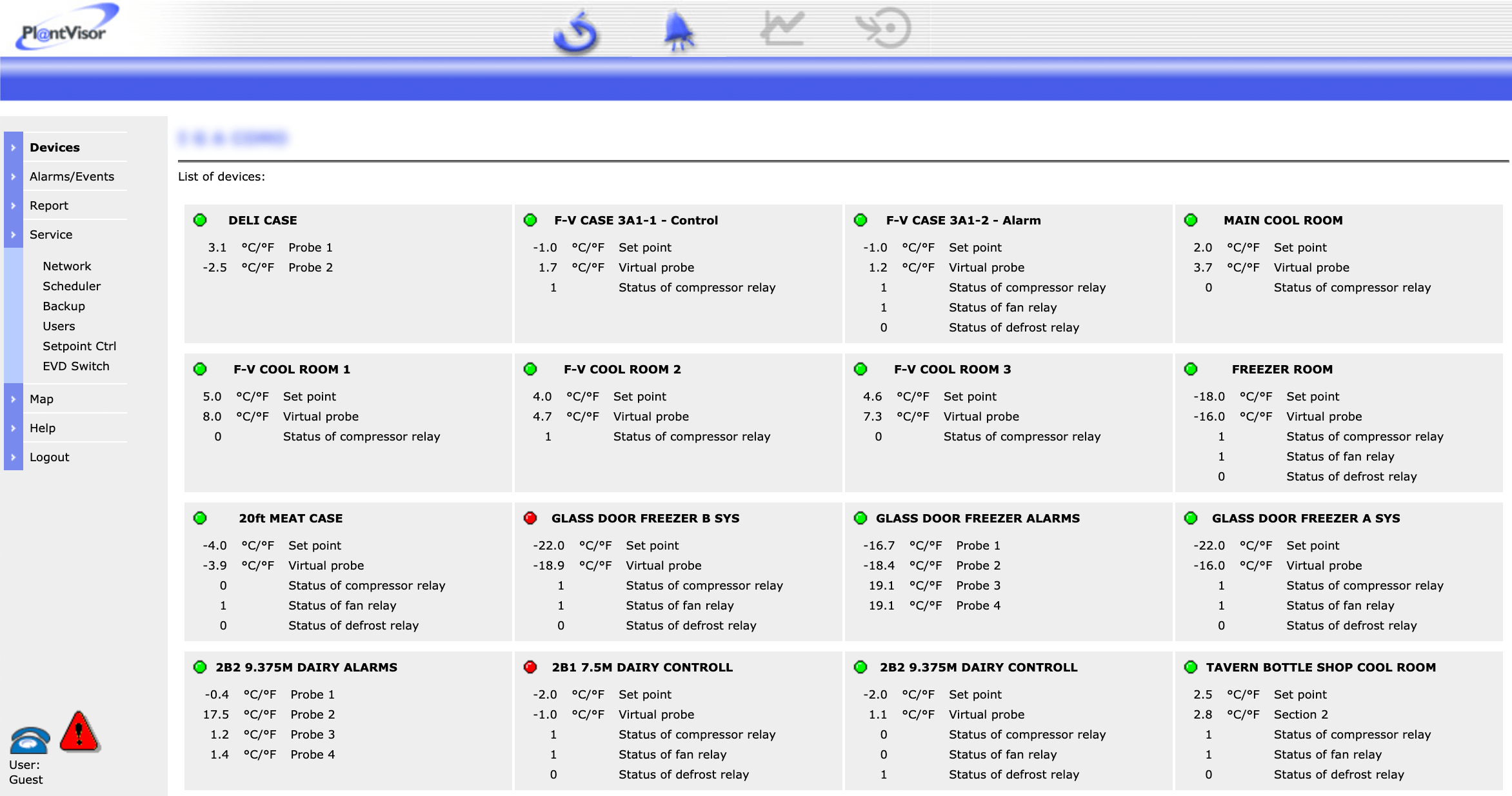
http.title:"Nordex Control" "Windows 2000 5.0 x86" "Jetty/3.1 (JSP 1.1; Servlet 2.2; java 1.6.0_14)"C4 Max 商用車 GPS トラッカー 🔎 →
Section titled “C4 Max 商用車 GPS トラッカー 🔎 →”"[1m[35mWelcome on console"
DICOM 医療用 X 線装置 🔎 →
Section titled “DICOM 医療用 X 線装置 🔎 →”デフォルトで保護されており、幸いなことに、これらの 1,700 台以上の装置がインターネットにあるべきではない。
"DICOM Server Response" port:104"Server: EIG Embedded Web Server" "200 Document follows"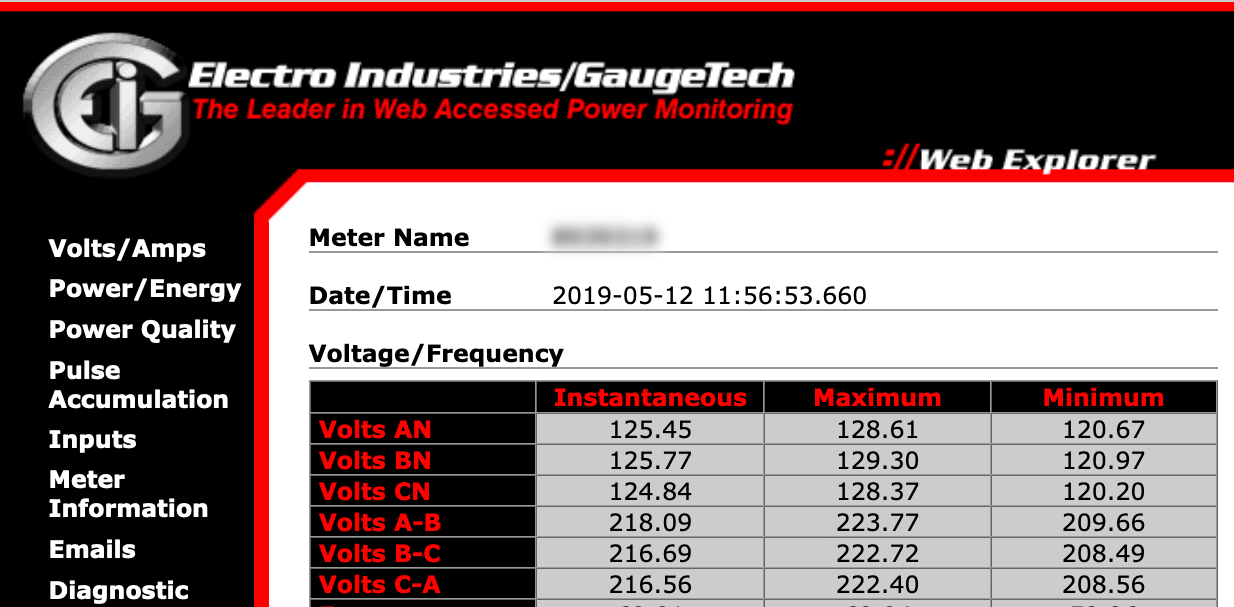
Siemens 産業オートメーション 🔎 →
Section titled “Siemens 産業オートメーション 🔎 →”"Siemens, SIMATIC" port:161Siemens HVAC 制御装置 🔎 →
Section titled “Siemens HVAC 制御装置 🔎 →”"Server: Microsoft-WinCE" "Content-Length: 12581"ドア/錠のアクセス制御装置 🔎 →
Section titled “ドア/錠のアクセス制御装置 🔎 →”"HID VertX" port:4070"log off" "select the appropriate"リモートデスクトップ
Section titled “リモートデスクトップ”保護されていない VNC 🔎 →
Section titled “保護されていない VNC 🔎 →”"authentication disabled" "RFB 003.008"Shodan Images は、スクリーンショットを閲覧するのに非常に便利な補助ツールです、ついでに!🔎 →
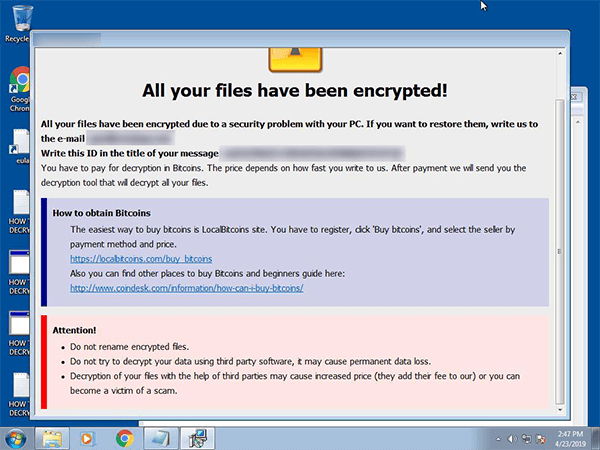
現在の最初の結果。😞
Windows RDP 🔎 →
Section titled “Windows RDP 🔎 →”99.99% は二次的な Windows ログイン画面によって保護されています。
"\x03\x00\x00\x0b\x06\xd0\x00\x00\x124\x00"ネットワークインフラストラクチャ
Section titled “ネットワークインフラストラクチャ”Kubernetes ポッドや Docker コンテナ内へのコマンドラインアクセス、およびインフラストラクチャ全体のリアルタイム可視化/監視が可能。
title:"Weave Scope" http.favicon.hash:567176827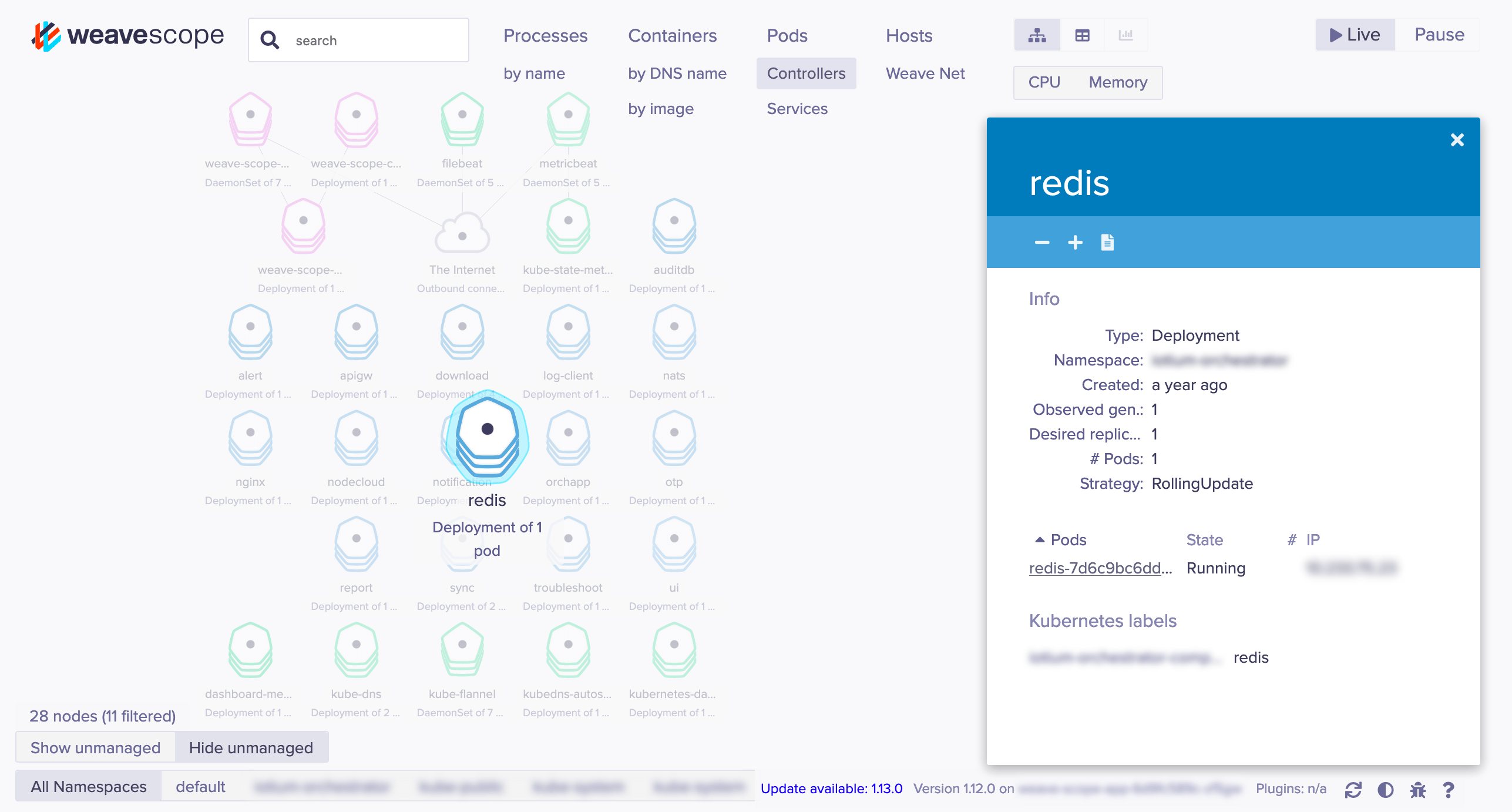
MongoDB 🔎 →
Section titled “MongoDB 🔎 →”古いバージョンはデフォルトで安全ではありませんでした。非常に恐ろしい。
"MongoDB Server Information" port:27017 -authentication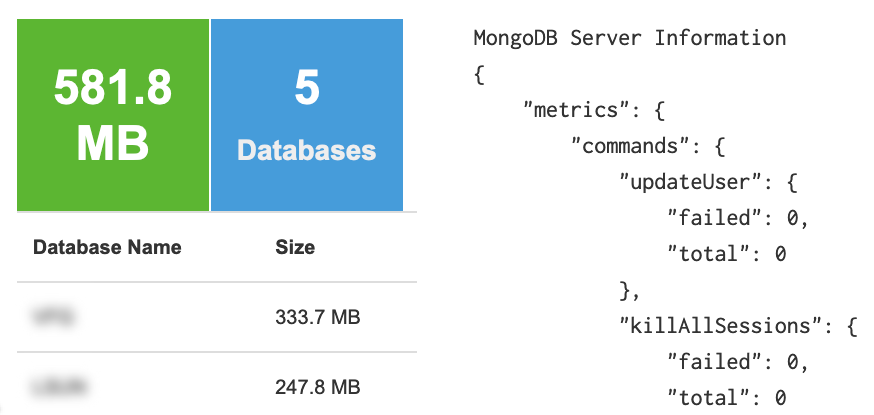
悪名高い phpMyAdmin に似ていますが、MongoDB 向けです。
"Set-Cookie: mongo-express=" "200 OK"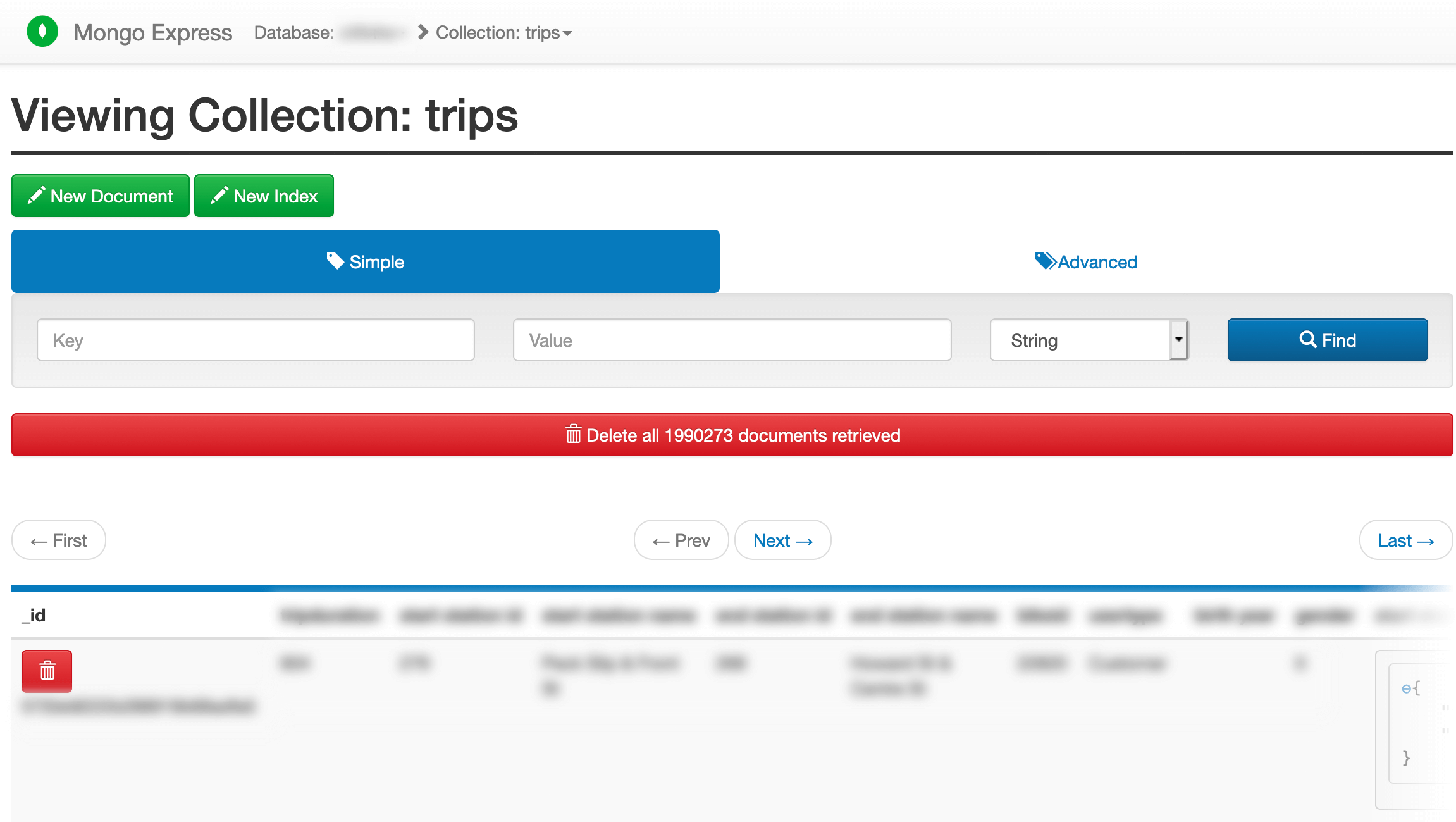
Jenkins CI 🔎 →
Section titled “Jenkins CI 🔎 →”"X-Jenkins" "Set-Cookie: JSESSIONID" http.title:"Dashboard"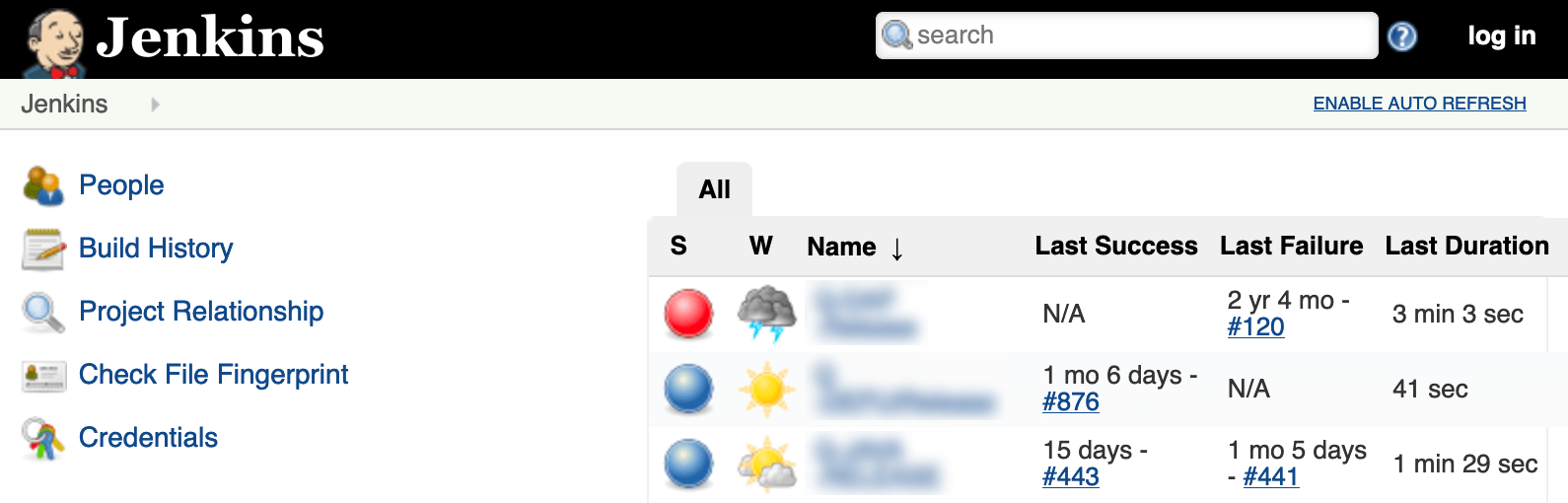
Docker API 🔎 →
Section titled “Docker API 🔎 →”"Docker Containers:" port:2375Docker プライベートレジストリ 🔎 →
Section titled “Docker プライベートレジストリ 🔎 →”"Docker-Distribution-Api-Version: registry" "200 OK" -gitlabPi-hole オープン DNS サーバー 🔎 →
Section titled “Pi-hole オープン DNS サーバー 🔎 →”"dnsmasq-pi-hole" "Recursion: enabled"Telnet 経由で既に root としてログイン済み 🔎 →
Section titled “Telnet 経由で既に root としてログイン済み 🔎 →”"root@" port:23 -login -password -name -SessionAndroid ルートブリッジ 🔎 →
Section titled “Android ルートブリッジ 🔎 →”Google のずさんでバラバラなアップデート方針の結果として生じた二次的な現象です。🙄 詳細はこちら。
"Android Debug Bridge" "Device" port:5555Lantronix シリアル-イーサネットアダプター Telnet パスワード漏洩 🔎 →
Section titled “Lantronix シリアル-イーサネットアダプター Telnet パスワード漏洩 🔎 →”Lantronix password port:30718 -securedCitrix Virtual Apps 🔎 →
Section titled “Citrix Virtual Apps 🔎 →”"Citrix Applications:" port:1604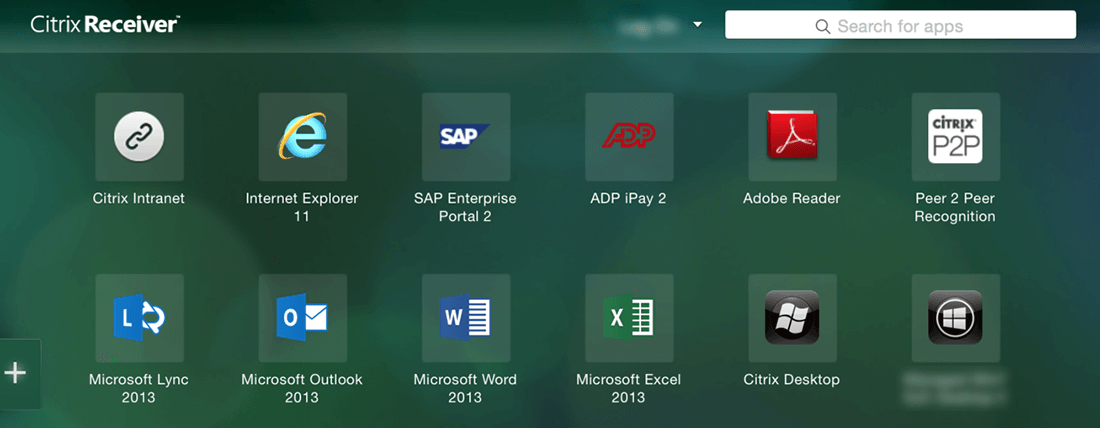
Cisco Smart Install 🔎 →
Section titled “Cisco Smart Install 🔎 →”脆弱(ある意味「仕様通り」ですが、特に露出している場合に)。
"smart install client active"PBX IP 電話ゲートウェイ 🔎 →
Section titled “PBX IP 電話ゲートウェイ 🔎 →”PBX "gateway console" -password port:23http.title:"- Polycom" "Server: lighttpd"Telnet 設定:🔎 →
"Polycom Command Shell" -failed port:23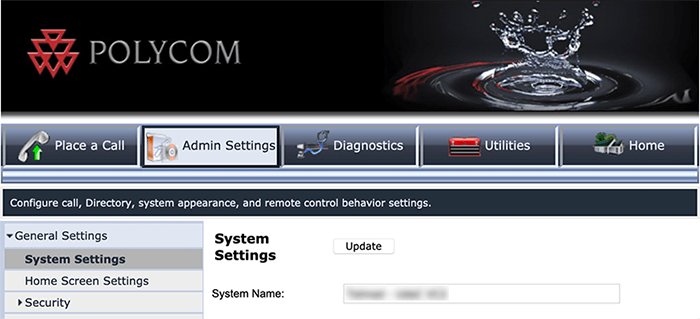
"Server: Bomgar" "200 OK"Intel Active Management CVE-2017-5689 🔎 →
Section titled “Intel Active Management CVE-2017-5689 🔎 →”"Intel(R) Active Management Technology" port:623,664,16992,16993,16994,16995HP-ILO-4 !"HP-ILO-4/2.53" !"HP-ILO-4/2.54" !"HP-ILO-4/2.55" !"HP-ILO-4/2.60" !"HP-ILO-4/2.61" !"HP-ILO-4/2.62" !"HP-iLO-4/2.70" port:1900Outlook Web Access:
Section titled “Outlook Web Access:”Exchange 2007 🔎 →
Section titled “Exchange 2007 🔎 →”"x-owa-version" "IE=EmulateIE7" "Server: Microsoft-IIS/7.0"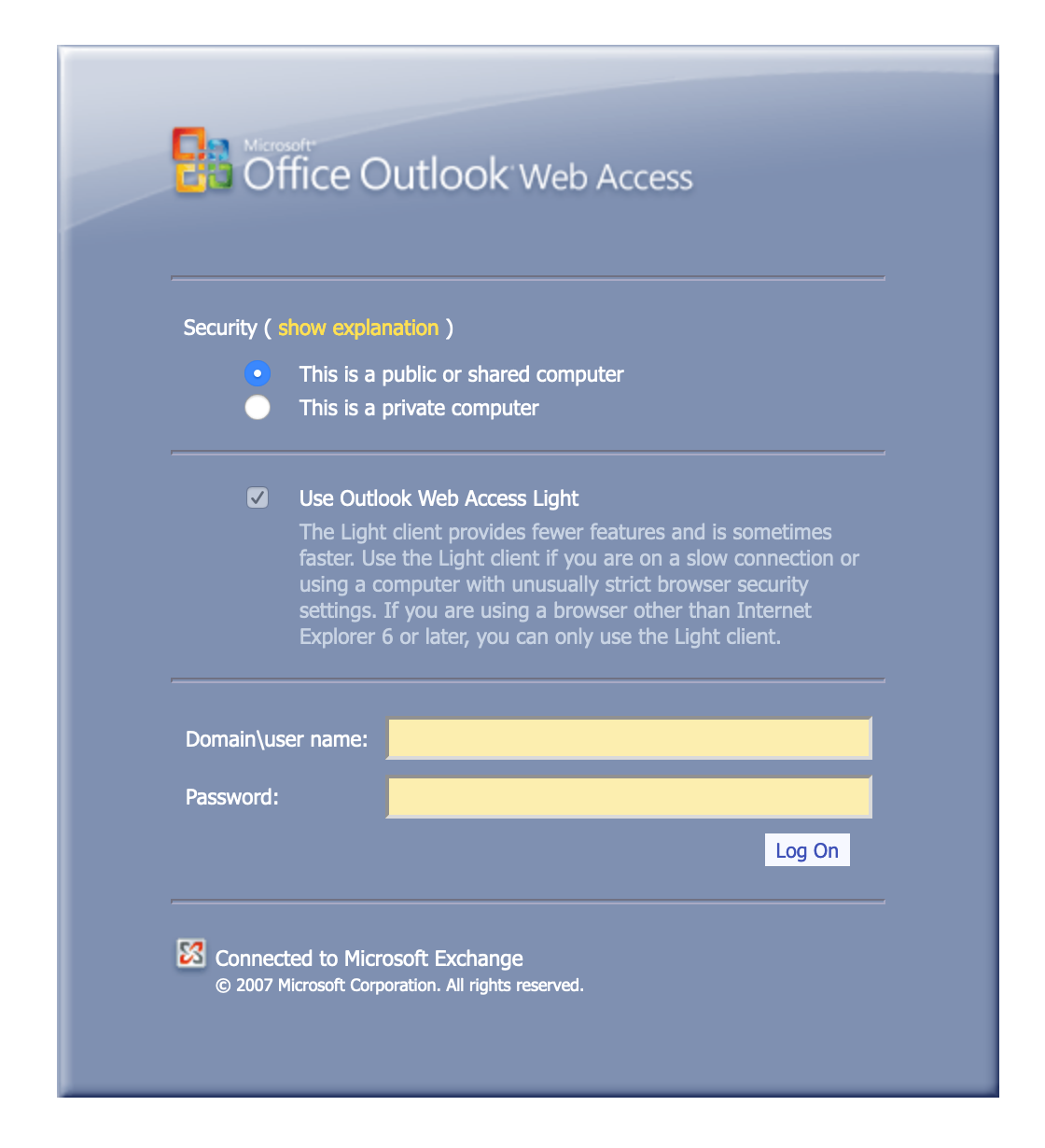
Exchange 2010 🔎 →
Section titled “Exchange 2010 🔎 →”"x-owa-version" "IE=EmulateIE7" http.favicon.hash:442749392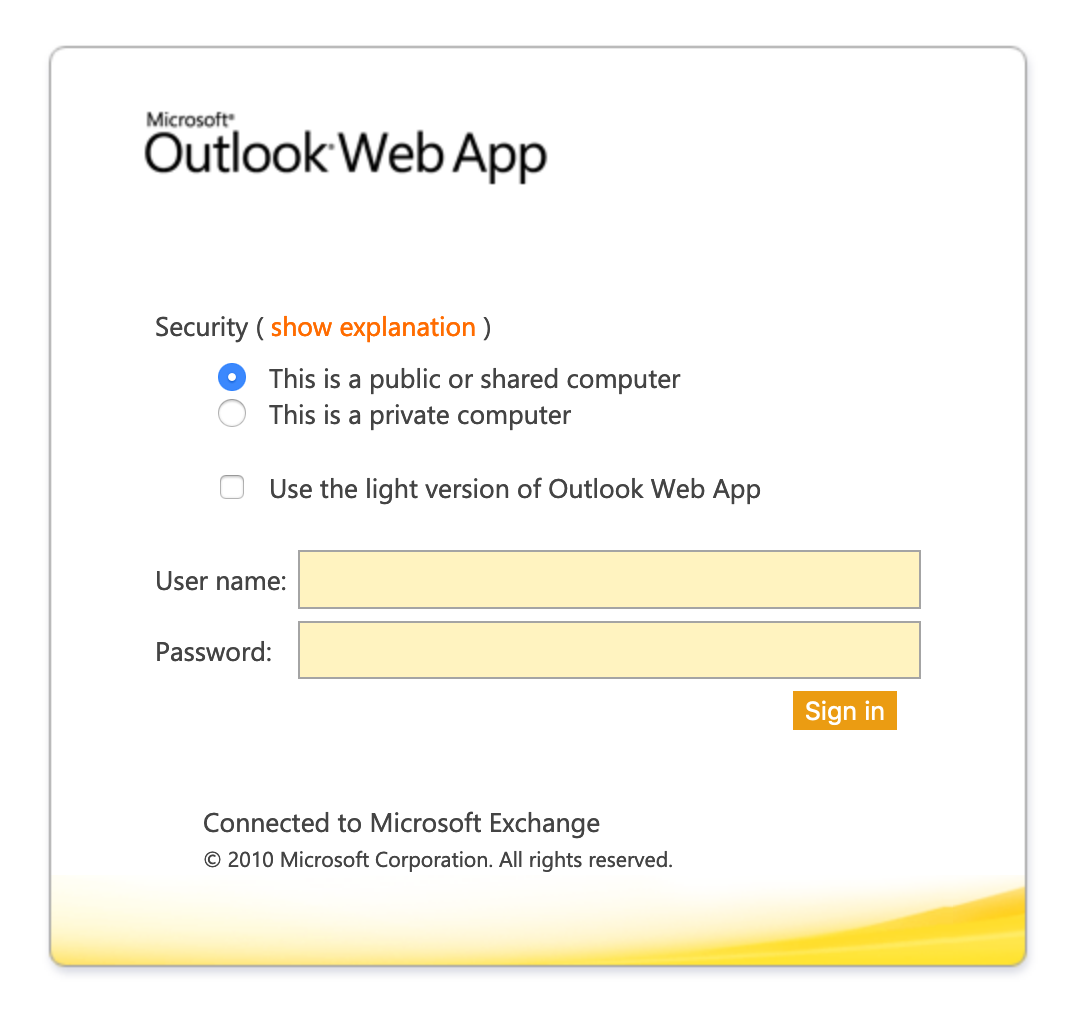
Exchange 2013 / 2016 🔎 →
Section titled “Exchange 2013 / 2016 🔎 →”"X-AspNet-Version" http.title:"Outlook" -"x-owa-version"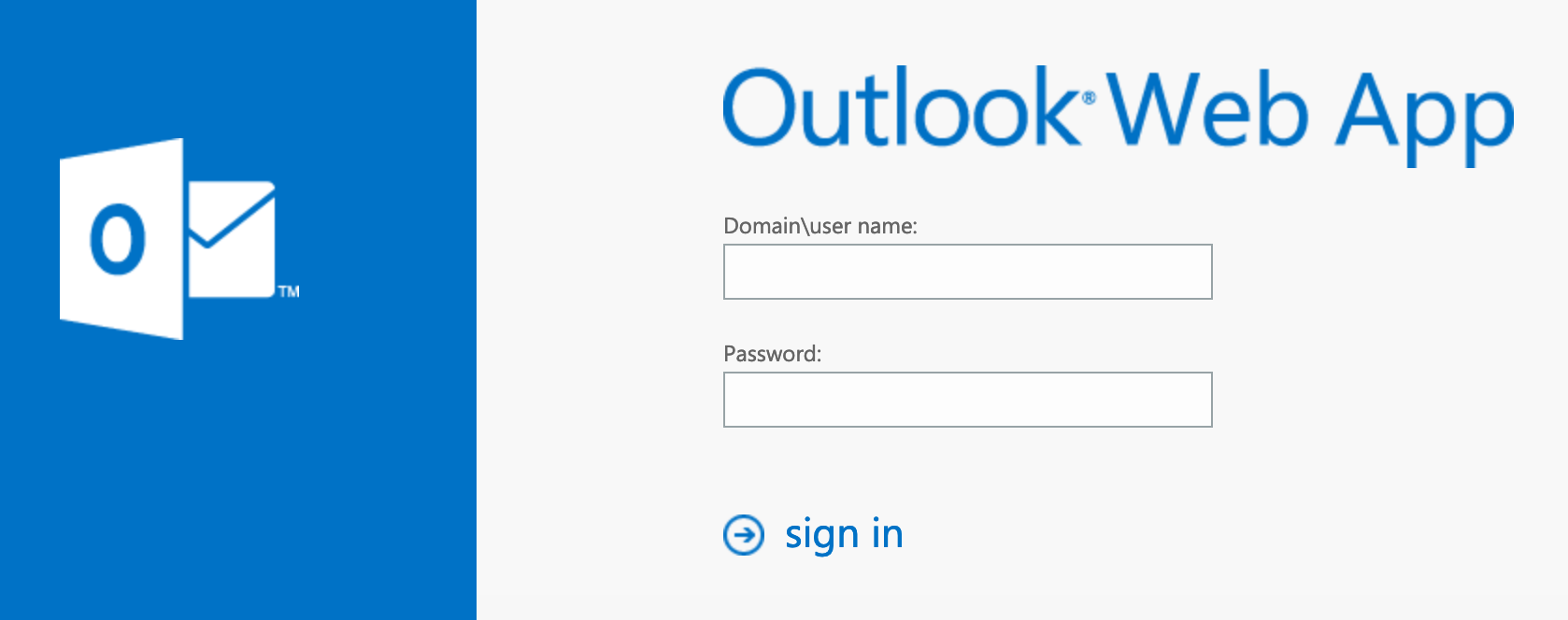
Lync / Skype for Business 🔎 →
Section titled “Lync / Skype for Business 🔎 →”"X-MS-Server-Fqdn"ネットワーク接続ストレージ(NAS)
Section titled “ネットワーク接続ストレージ(NAS)”SMB(Samba)ファイル共有 🔎 →
Section titled “SMB(Samba)ファイル共有 🔎 →”約 500,000 件の結果を返します……「Documents」や「Videos」などを追加して絞り込んでください。
"Authentication: disabled" port:445具体的にはドメインコントローラー:🔎 →
"Authentication: disabled" NETLOGON SYSVOL -unix port:445QuickBooks のデフォルトのネットワーク共有 ファイルについて:🔎 →
"Authentication: disabled" "Shared this folder to access QuickBooks files OverNetwork" -unix port:445匿名ログイン可能な FTP サーバー 🔎 →
Section titled “匿名ログイン可能な FTP サーバー 🔎 →”"220" "230 Login successful." port:21Iomega / LenovoEMC NAS ドライブ 🔎 →
Section titled “Iomega / LenovoEMC NAS ドライブ 🔎 →”"Set-Cookie: iomega=" -"manage/login.html" -http.title:"Log In"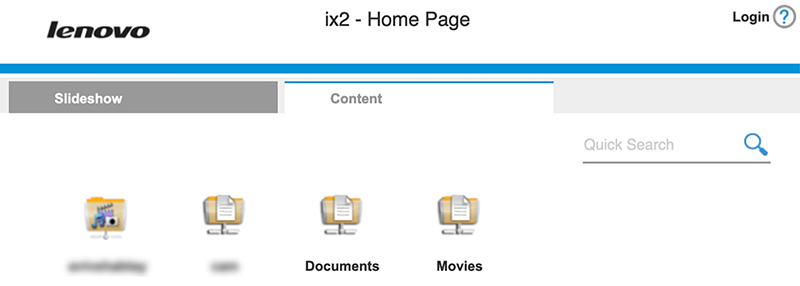
Buffalo TeraStation NAS ドライブ 🔎 →
Section titled “Buffalo TeraStation NAS ドライブ 🔎 →”Redirecting sencha port:9000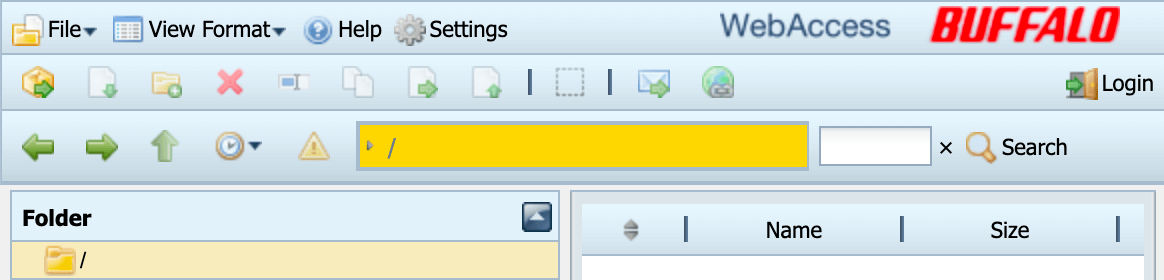
Logitech メディアサーバー 🔎 →
Section titled “Logitech メディアサーバー 🔎 →”"Server: Logitech Media Server" "200 OK"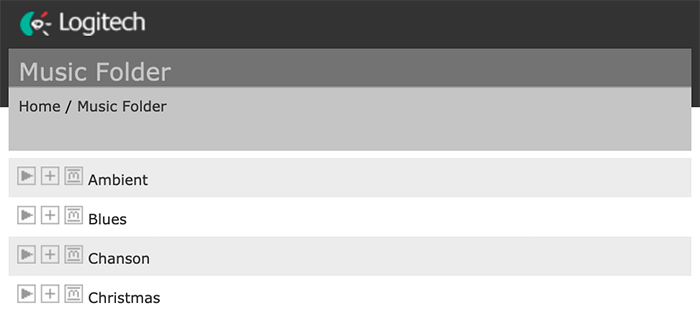
"X-Plex-Protocol" "200 OK" port:32400"CherryPy/5.1.0" "/home"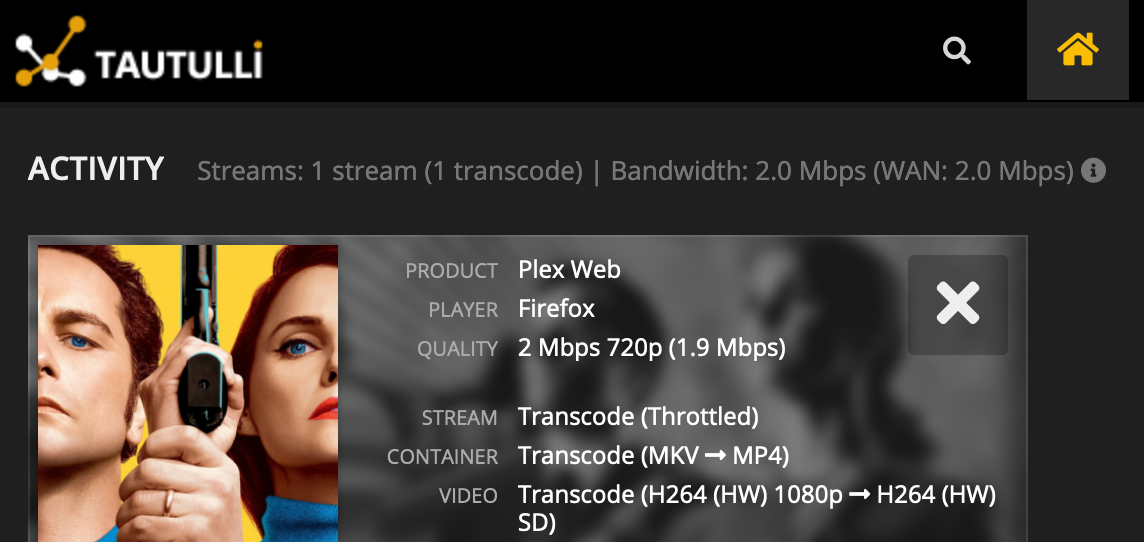
ウェブカメラ
Section titled “ウェブカメラ”例の画像は不要です。🤦
Yawcams 🔎 →
Section titled “Yawcams 🔎 →”"Server: yawcam" "Mime-Type: text/html"webcamXP/webcam7 🔎 →
Section titled “webcamXP/webcam7 🔎 →”("webcam 7" OR "webcamXP") http.component:"mootools" -401Android IP Webcam サーバー 🔎 →
Section titled “Android IP Webcam サーバー 🔎 →”"Server: IP Webcam Server" "200 OK"セキュリティ DVR 🔎 →
Section titled “セキュリティ DVR 🔎 →”html:"DVR_H264 ActiveX"プリンターとコピー機:
Section titled “プリンターとコピー機:”HP プリンター 🔎 →
Section titled “HP プリンター 🔎 →”"Serial Number:" "Built:" "Server: HP HTTP"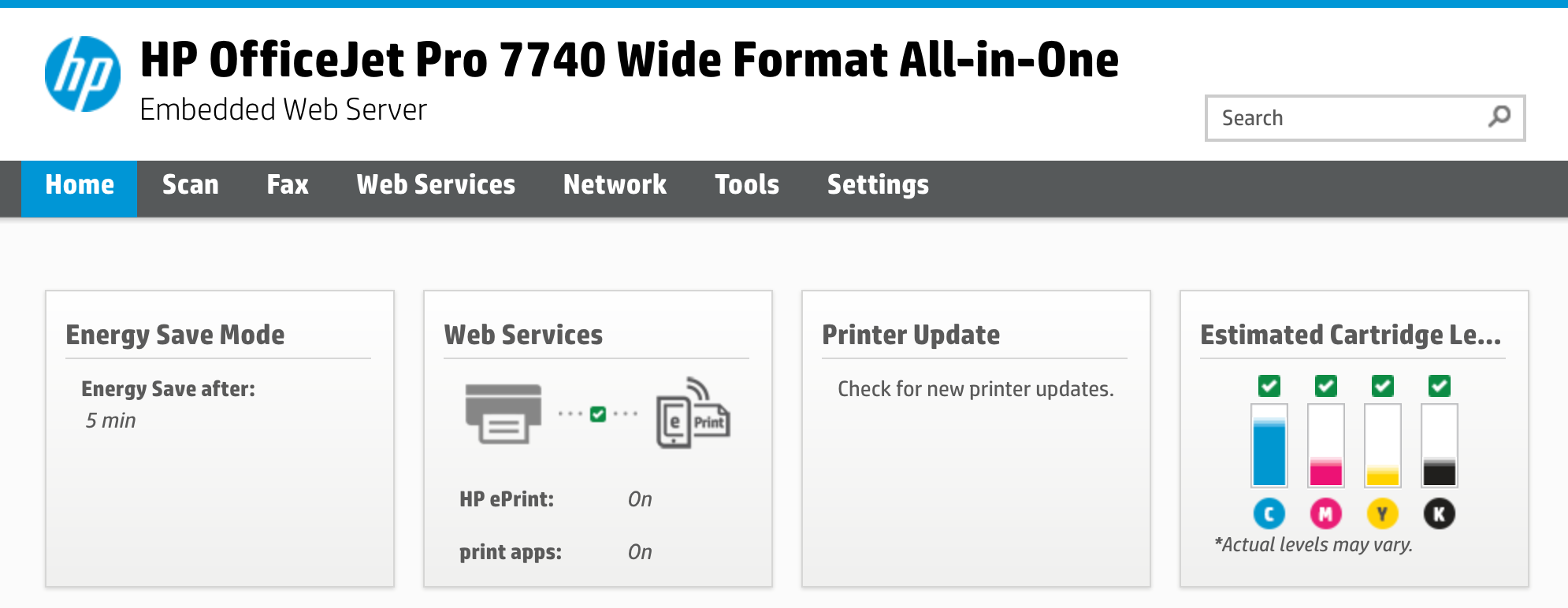
Xerox コピー機/プリンター 🔎 →
Section titled “Xerox コピー機/プリンター 🔎 →”ssl:"Xerox Generic Root"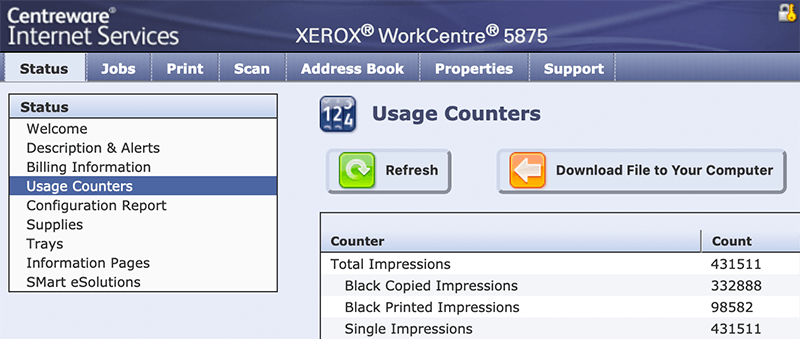
Epson プリンター 🔎 →
Section titled “Epson プリンター 🔎 →”"SERVER: EPSON_Linux UPnP" "200 OK""Server: EPSON-HTTP" "200 OK"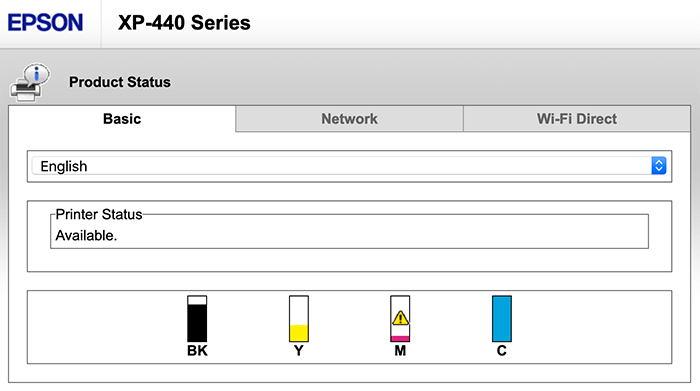
Canon プリンター 🔎 →
Section titled “Canon プリンター 🔎 →”"Server: KS_HTTP" "200 OK""Server: CANON HTTP Server"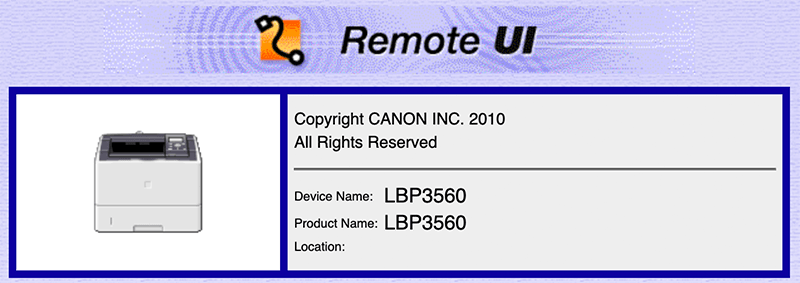
家庭用デバイス
Section titled “家庭用デバイス”Yamaha ステレオ 🔎 →
Section titled “Yamaha ステレオ 🔎 →”"Server: AV_Receiver" "HTTP/1.1 406"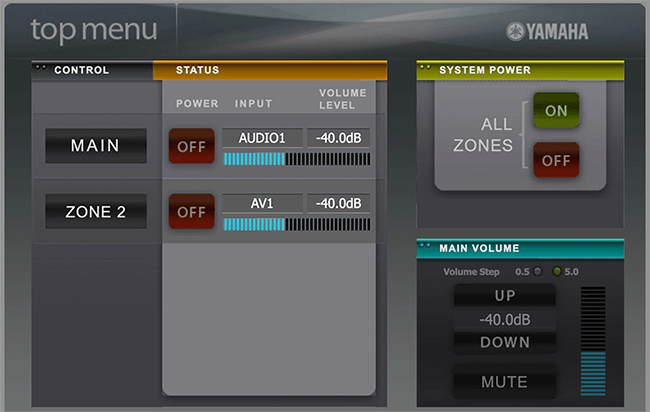
Apple AirPlay レシーバー 🔎 →
Section titled “Apple AirPlay レシーバー 🔎 →”Apple TV、HomePod など。
"\x08_airplay" port:5353Chromecast / スマート TV 🔎 →
Section titled “Chromecast / スマート TV 🔎 →”"Chromecast:" port:8008"Model: PYNG-HUB"OctoPrint 3D プリンターコントローラー 🔎 →
Section titled “OctoPrint 3D プリンターコントローラー 🔎 →”title:"OctoPrint" -title:"Login" http.favicon.hash:1307375944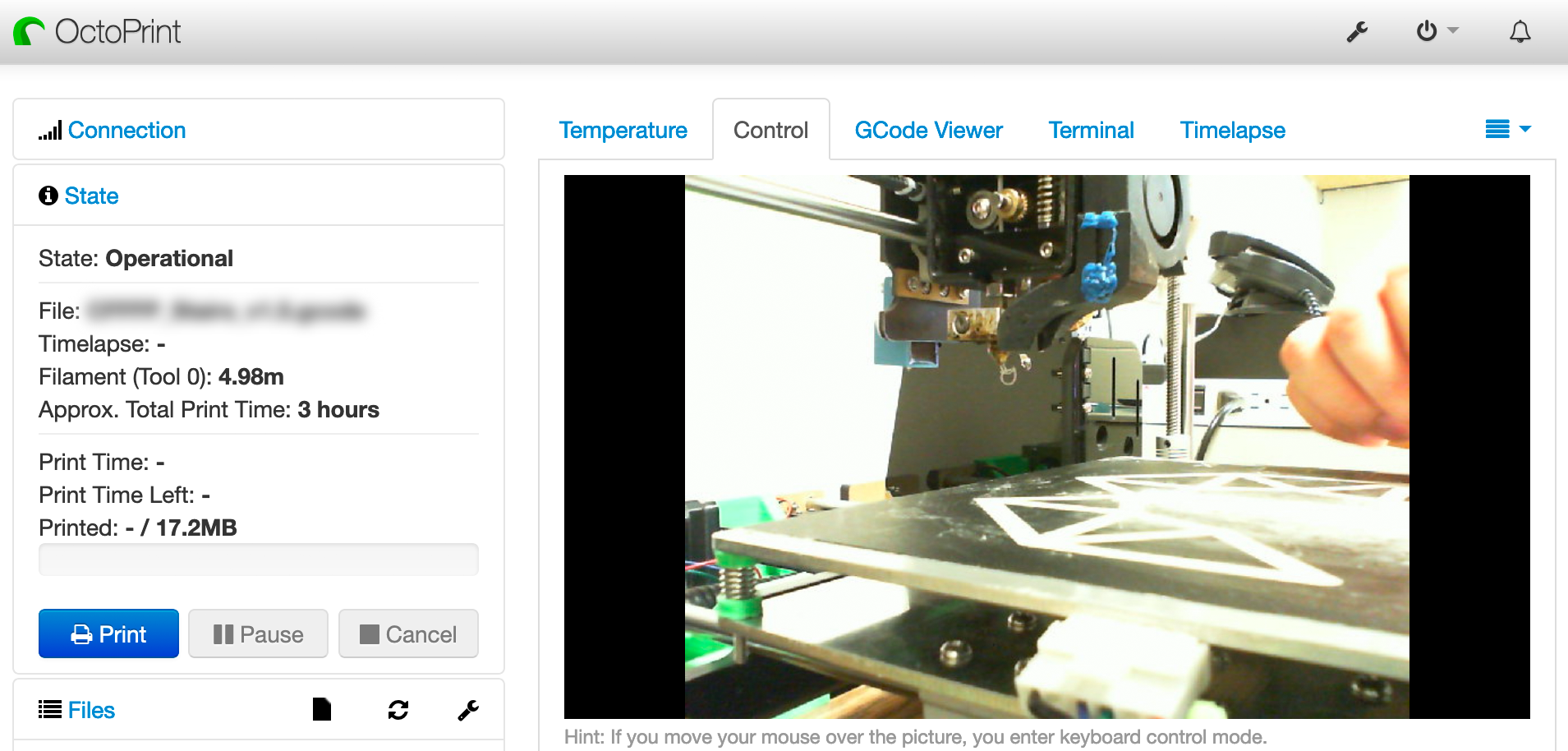
イーサリアムマイナー 🔎 →
Section titled “イーサリアムマイナー 🔎 →”"ETH - Total speed"
Apache ディレクトリリスト 🔎 →
Section titled “Apache ディレクトリリスト 🔎 →”.pem を phpinfo.php のような任意の拡張子やファイル名に置き換えてください。
http.title:"Index of /" http.html:".pem"設定ミスのある WordPress 🔎 →
Section titled “設定ミスのある WordPress 🔎 →”データベースの認証情報を含む wp-config.php ファイルが公開されています。
http.html:"* The wp-config.php creation script uses this file"多すぎる Minecraft サーバー 🔎 →
Section titled “多すぎる Minecraft サーバー 🔎 →”"Minecraft Server" "protocol 340" port:25565net:175.45.176.0/22,210.52.109.0/24,77.94.35.0/24TCP 今日の一言 🔎 →
Section titled “TCP 今日の一言 🔎 →”port:17 product:"Windows qotd"これで稼ぐ仕事を見つけよう!👩💼 🔎 →
Section titled “これで稼ぐ仕事を見つけよう!👩💼 🔎 →”"X-Recruiting:"他にも面白い Shodan の宝物(検索クエリでも具体的な例でも)を見つけたら、ぜひブログにコメントを残すか、GitHub でissue/PR を開いてください。
良い旅を、仲間の侵入者たち!😉

法律で認められる範囲において、Jake Jarvis は本作品に関するすべての著作権および関連または隣接する権利を放棄しています。
https://jarv.is/notes/shodan-search-queries/ のブログ記事からミラー。
HagiCode
HagiCode はエージェント型コーディングワークスペースです。豊富で便利な UI インタラクションにより、計画・エージェント実行・プロジェクト作業を始めやすく、進めやすくし、開発をより魅力的な体験にします。
豊富で便利な UI インタラクションで、計画からプロジェクト作業までを分かりやすく進められます。

- スマートOpenSpec ワークフローが意図を、提案・設計・タスクから変更のリリースまで実行可能な道筋にします。
- 効率的マルチエージェント実行で調査・実装・レビューを並行して進め、複数リポジトリや使い慣れた Agent CLI にも対応します。
- 興味深い豊富で便利な UI インタラクションにより、計画・エージェント実行・プロジェクト作業を始めやすく、進めやすくします。
Windows 版をダウンロード
HagiCode を共有

アイデアを、出荷できるソフトウェアへ。
HagiCode はエージェント型コーディングワークスペースです。OpenSpec ワークフローで変更を計画し、マルチエージェント実行で進め、Hero Scenario で長い作業の進み具合を見える化して、アイデアを出荷できるソフトウェアにします。
- スマート
- OpenSpec ワークフローが、意図を提案からリリースまでの実行可能な道筋にします。
- 効率的
- マルチエージェント実行で、調査・実装・レビューを並行して進めます。
- 楽しい
- 使いやすい UI で、計画・Agent 実行・プロジェクト作業を進めやすくします。
© 2026 HagiCode | Powered By hagilight-starlight@0.21.0 | Branch: main | Commit: 745b50b | Built: