
Shodan Queries
Source: https://github.com/jakejarvis/awesome-shodan-queries at
b3439d187b03
License: CC0-1.0
Read the English original
This edition is an AI-assisted translation.
精选 Shodan 搜索查询 
Section titled “精选 Shodan 搜索查询 ”长期以来,我收集了大量有趣、好笑又令人沮丧的搜索查询,可以输入到 Shodan(字面意思)——那个(名副其实的)互联网搜索引擎——中进行检索。其中一些会返回让人扶额的尴尬结果,另一些则返回真实存在、甚至年代久远的漏洞。
你可以假设,在可能的情况下,这些查询只会返回未受保护/开放的实例。为了你自身的法律利益,如果它们并非如此,请勿尝试登录(哪怕使用默认密码)!可以通过在末尾添加诸如 country:US、org:"Harvard University" 或 hostname:"nasa.gov" 之类的过滤器来缩小结果范围。
世界及其设备正通过崭新闪亮的 物联网(此处原文戏谑称为”物联网即狗屎”) 快速互联,并因此变得愈发危险。为此,我希望这份清单传播的是安全意识(坦白说,还有让人吓破胆的恐惧),而非危害。
一如既往,请负责任地发现并披露漏洞! 🤓
工业控制系统
Section titled “工业控制系统”三星电子广告牌 🔎 →
Section titled “三星电子广告牌 🔎 →”"Server: Prismview Player"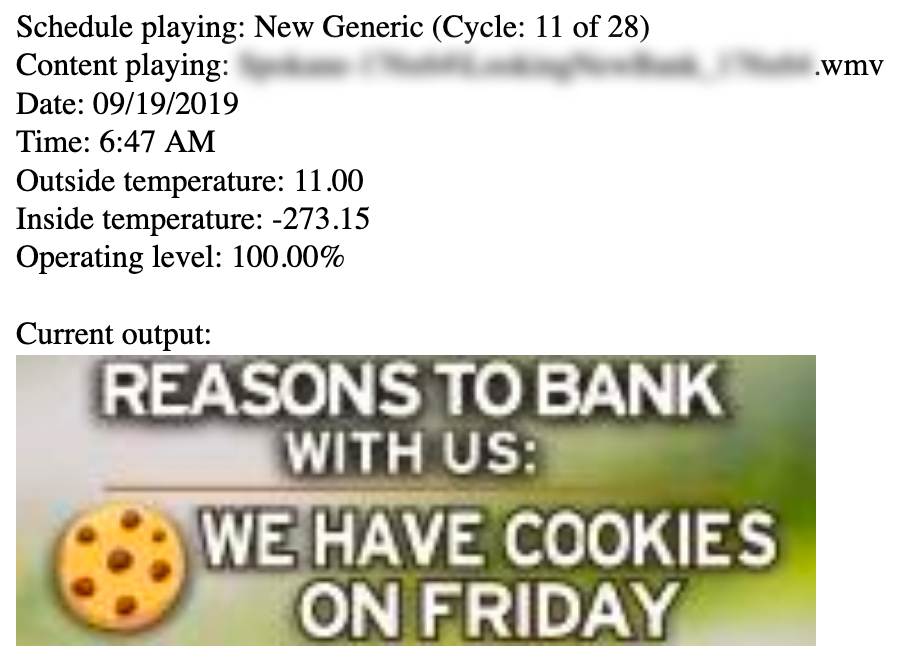
加油站油泵控制器 🔎 →
Section titled “加油站油泵控制器 🔎 →”"in-tank inventory" port:10001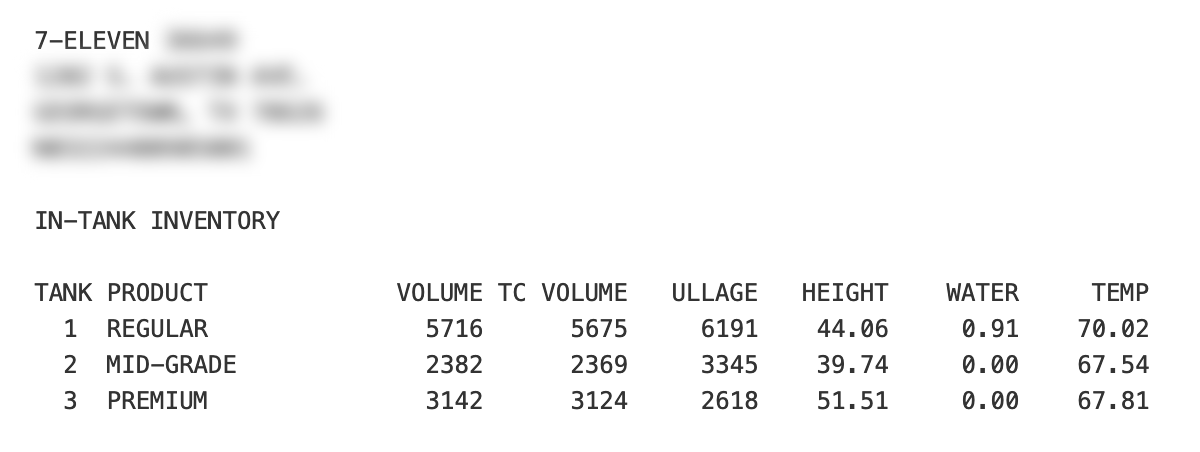
自动车牌识别器 🔎 →
Section titled “自动车牌识别器 🔎 →”P372 "ANPR enabled"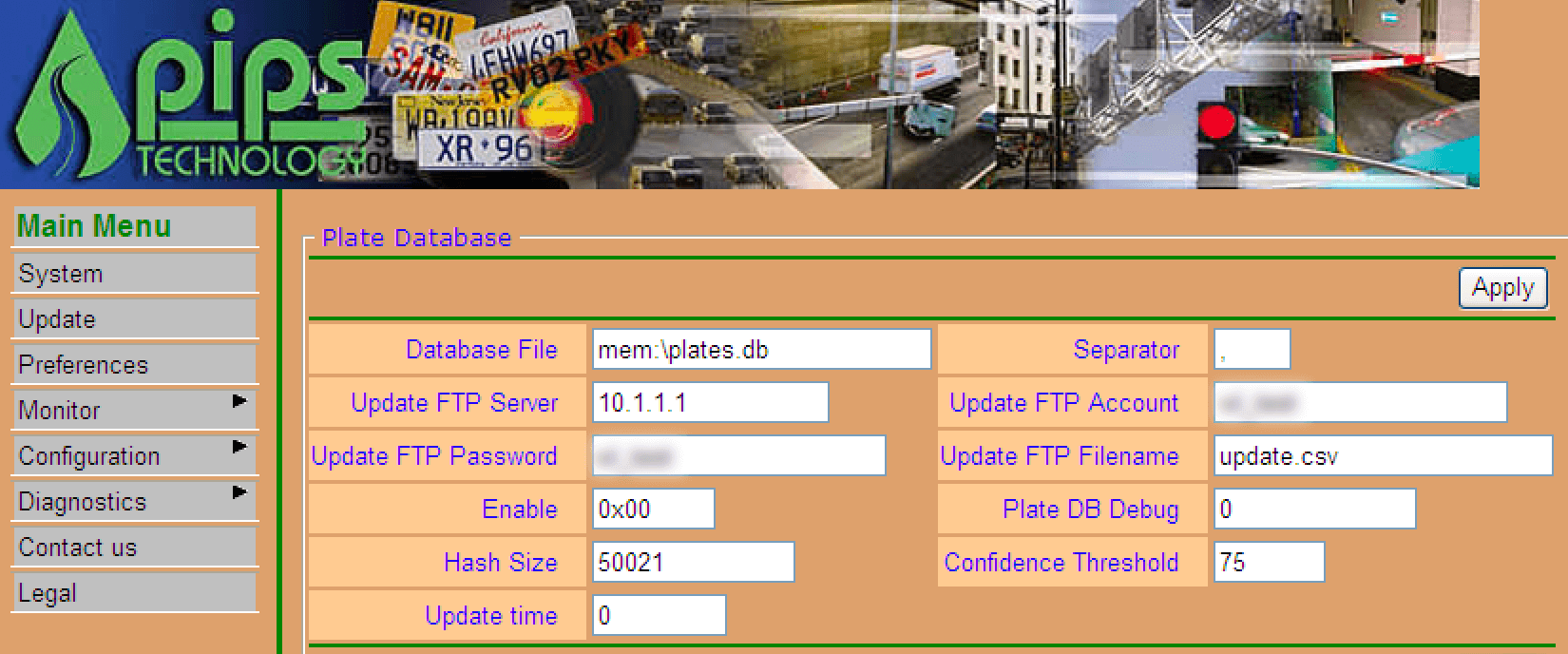
交通信号灯控制器 / 闯红灯摄像头 🔎 →
Section titled “交通信号灯控制器 / 闯红灯摄像头 🔎 →”mikrotik streetlight"voter system serial" country:US运行 Cisco 合法拦截 电话窃听的电信运营商 🔎 →
Section titled “运行 Cisco 合法拦截 电话窃听的电信运营商 🔎 →”"Cisco IOS" "ADVIPSERVICESK9_LI-M"Cisco 在 RFC 3924 中概述的窃听机制:
合法拦截是指依法对拦截对象的通信进行授权拦截与监控。术语”拦截对象”[…]指的是某电信服务的订阅用户,其通信及/或拦截相关信息(IRI)已被依法授权拦截并传送至某机构。
"[2J[H Encartele Confidential"http.title:"Tesla PowerPack System" http.component:"d3" -ga3ca4f2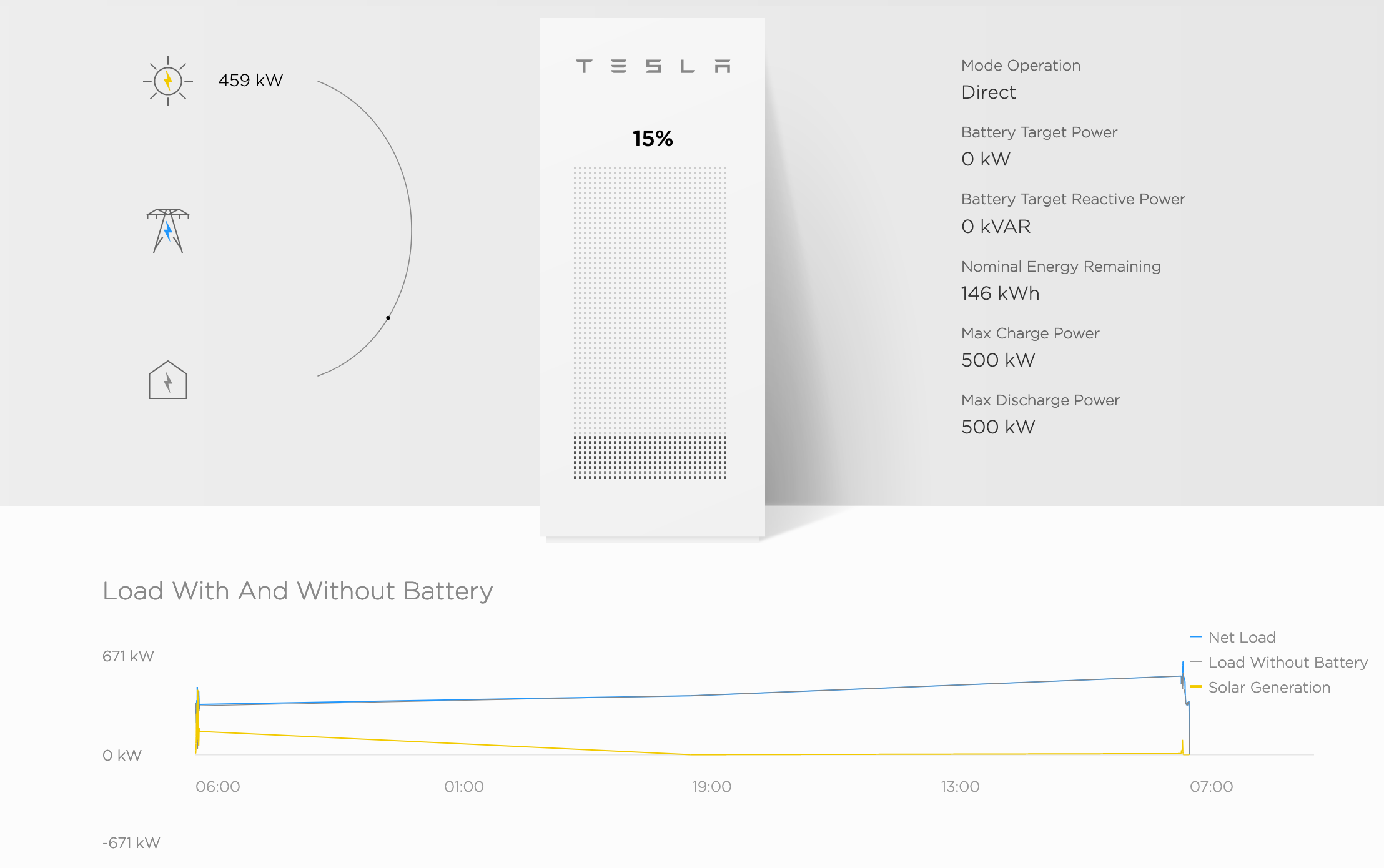
电动汽车充电桩 🔎 →
Section titled “电动汽车充电桩 🔎 →”"Server: gSOAP/2.8" "Content-Length: 583"Shodan 还做了一个相当棒的 Ship Tracker,可实时绘制船只位置地图!
"Cobham SATCOM" OR ("Sailor" "VSAT")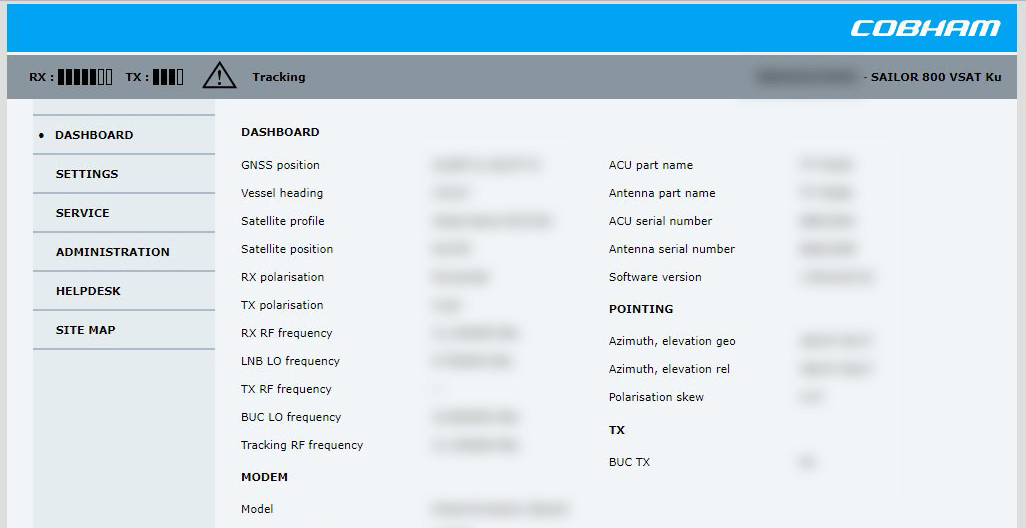
潜艇任务控制仪表板 🔎 →
Section titled “潜艇任务控制仪表板 🔎 →”title:"Slocum Fleet Mission Control""Server: CarelDataServer" "200 Document follows"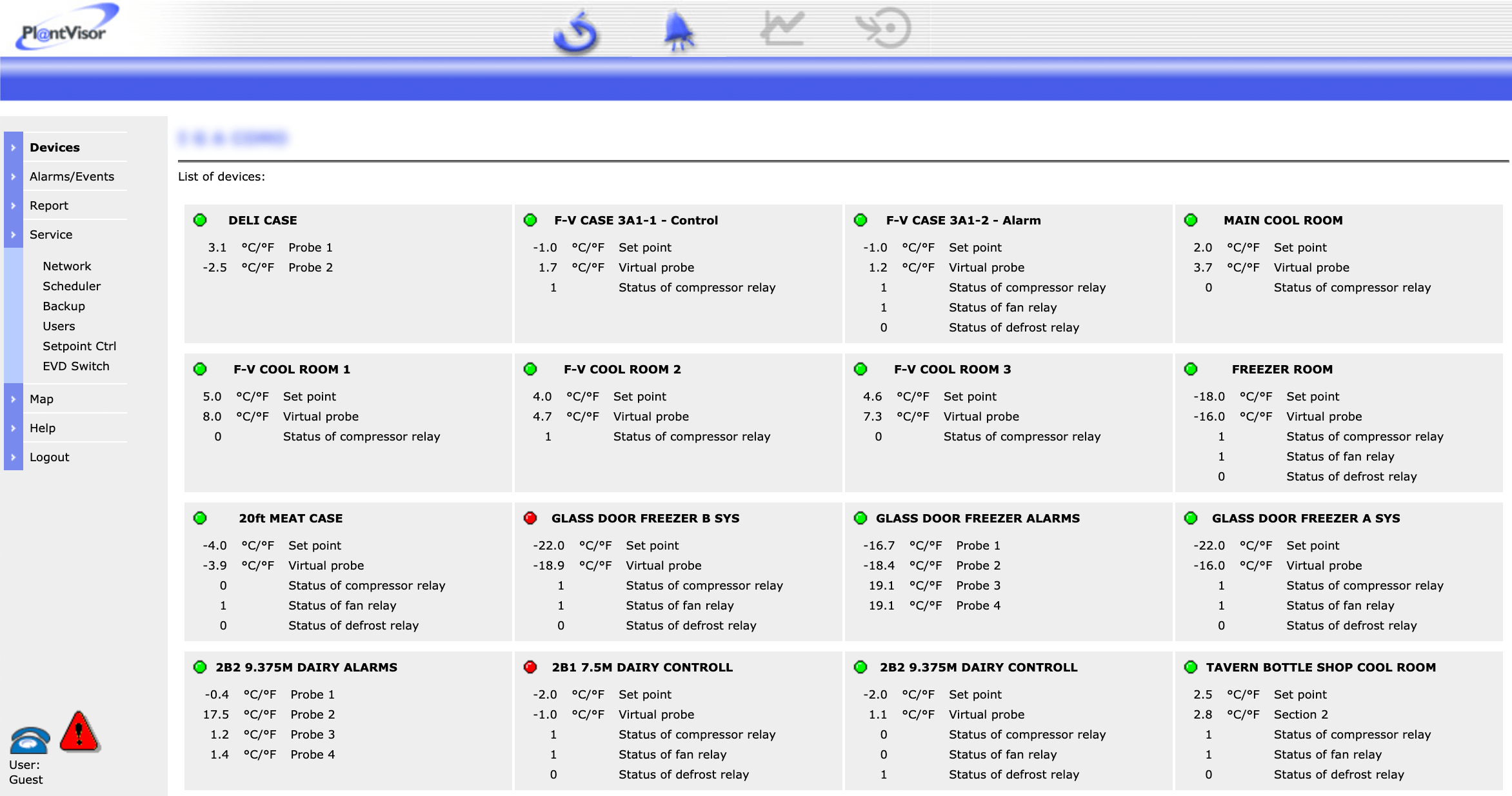
http.title:"Nordex Control" "Windows 2000 5.0 x86" "Jetty/3.1 (JSP 1.1; Servlet 2.2; java 1.6.0_14)"C4 Max 商用车 GPS 追踪器 🔎 →
Section titled “C4 Max 商用车 GPS 追踪器 🔎 →”"[1m[35mWelcome on console"
默认情况下是受保护的,这令人欣慰,但这些 1700 多台设备本不应出现在互联网上。
"DICOM Server Response" port:104"Server: EIG Embedded Web Server" "200 Document follows"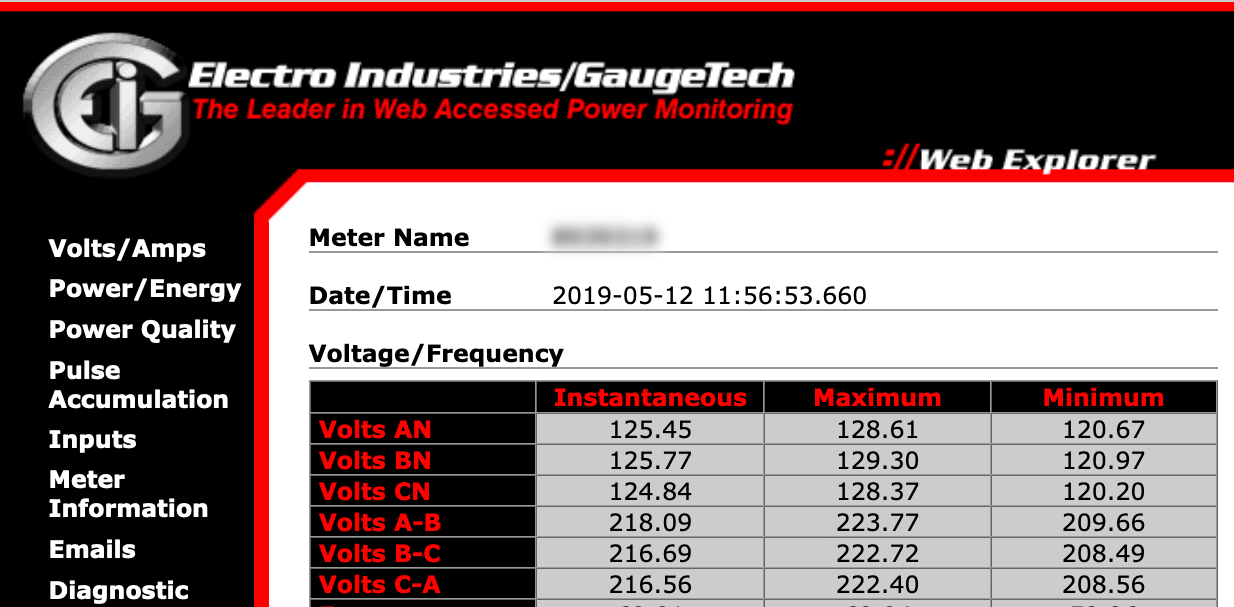
西门子工业自动化 🔎 →
Section titled “西门子工业自动化 🔎 →”"Siemens, SIMATIC" port:161西门子 HVAC 控制器 🔎 →
Section titled “西门子 HVAC 控制器 🔎 →”"Server: Microsoft-WinCE" "Content-Length: 12581"门禁 / 锁具访问控制器 🔎 →
Section titled “门禁 / 锁具访问控制器 🔎 →”"HID VertX" port:4070"log off" "select the appropriate"无保护的 VNC 🔎 →
Section titled “无保护的 VNC 🔎 →”"authentication disabled" "RFB 003.008"Shodan Images 是一个很棒的辅助工具,可用来浏览截图,顺便一提!🔎 →
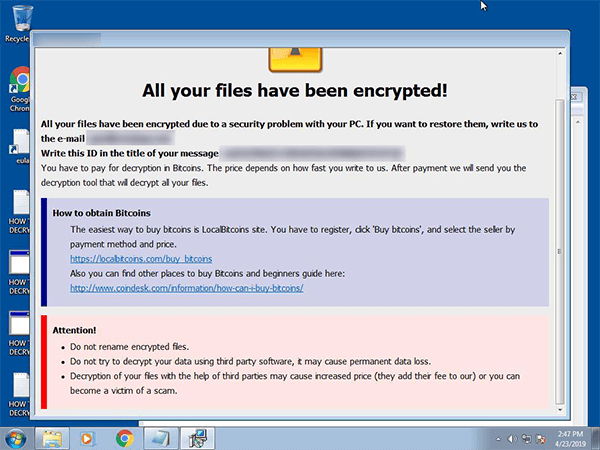
此刻的第一条结果。😞
Windows 远程桌面(RDP) 🔎 →
Section titled “Windows 远程桌面(RDP) 🔎 →”99.99% 都受到第二层 Windows 登录屏幕的保护。
"\x03\x00\x00\x0b\x06\xd0\x00\x00\x124\x00"网络基础设施
Section titled “网络基础设施”可在 Kubernetes pod 和 Docker 容器内获得命令行访问权限,并实时可视化/监控整个基础设施。
title:"Weave Scope" http.favicon.hash:567176827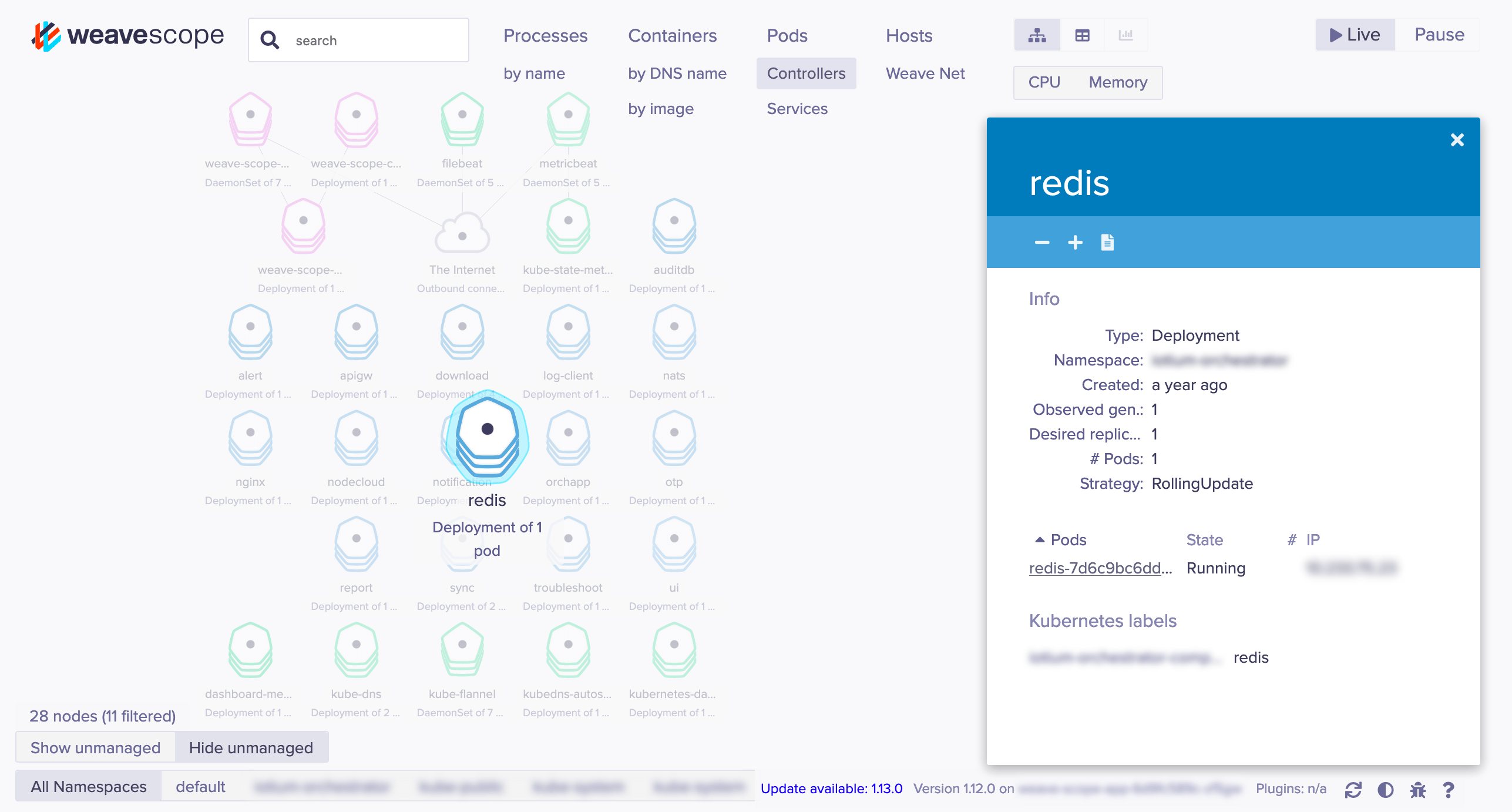
MongoDB 🔎 →
Section titled “MongoDB 🔎 →”旧版本在默认情况下是不安全的。非常可怕。
"MongoDB Server Information" port:27017 -authentication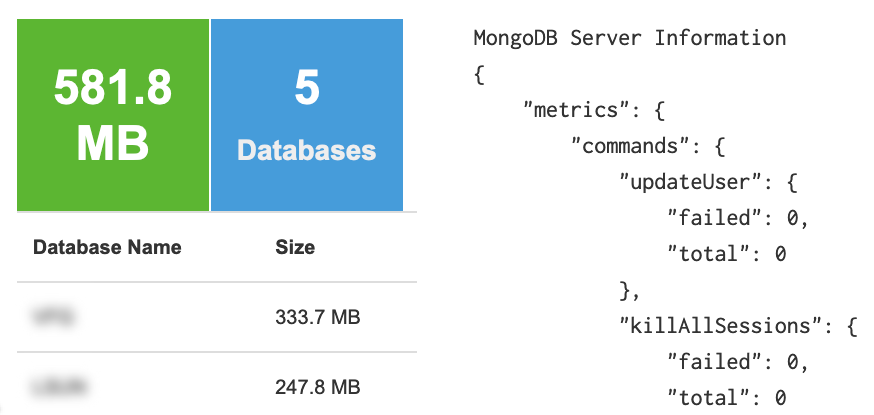
类似于声名狼藉的 phpMyAdmin,但是面向 MongoDB 的。
"Set-Cookie: mongo-express=" "200 OK"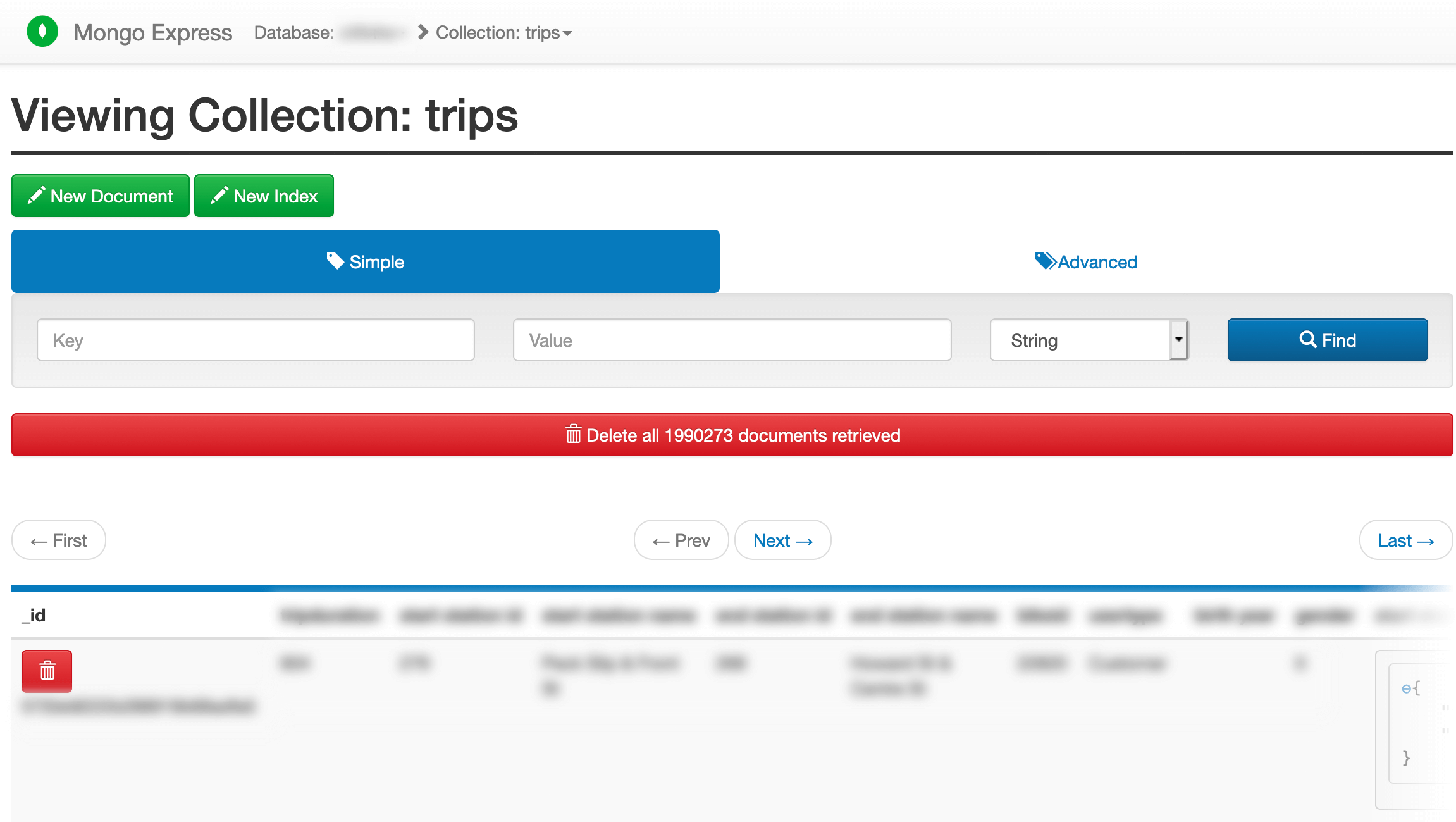
Jenkins CI 🔎 →
Section titled “Jenkins CI 🔎 →”"X-Jenkins" "Set-Cookie: JSESSIONID" http.title:"Dashboard"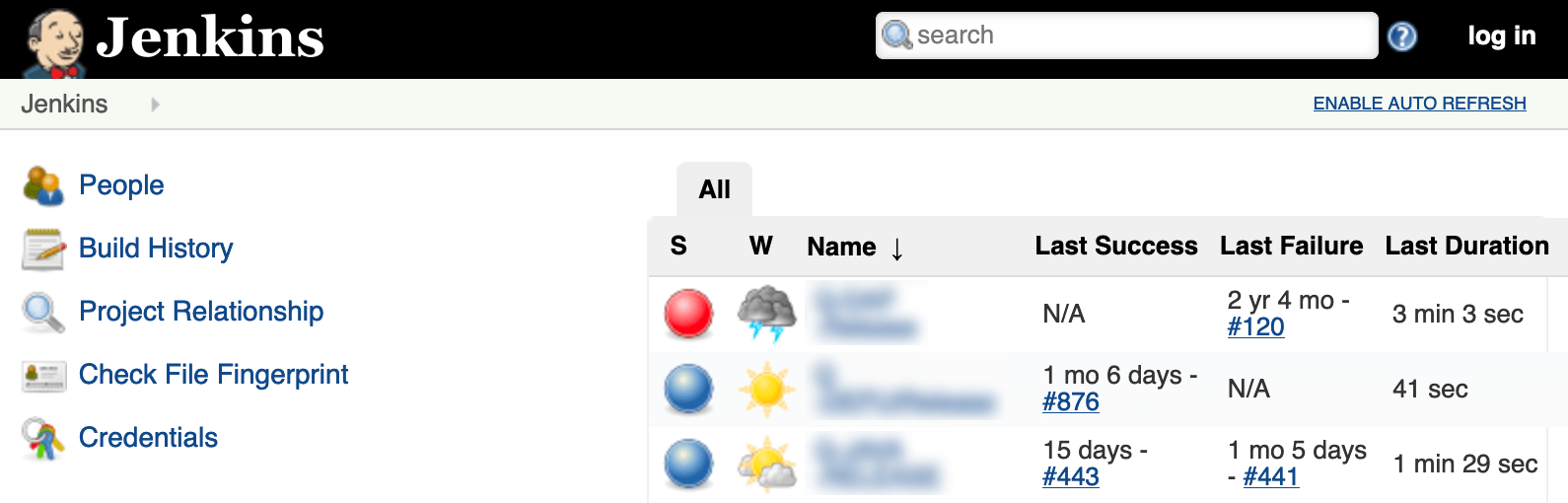
Docker API 🔎 →
Section titled “Docker API 🔎 →”"Docker Containers:" port:2375Docker 私有镜像仓库 🔎 →
Section titled “Docker 私有镜像仓库 🔎 →”"Docker-Distribution-Api-Version: registry" "200 OK" -gitlab"dnsmasq-pi-hole" "Recursion: enabled"通过 Telnet 已以 root 身份登录 🔎 →
Section titled “通过 Telnet 已以 root 身份登录 🔎 →”"root@" port:23 -login -password -name -SessionAndroid Root 调试桥 🔎 →
Section titled “Android Root 调试桥 🔎 →”这是 Google 混乱、碎片化的更新策略所导致的一个附带结果。🙄 更多信息见此。
"Android Debug Bridge" "Device" port:5555Lantronix 串口转以太网适配器 泄露 Telnet 密码 🔎 →
Section titled “Lantronix 串口转以太网适配器 泄露 Telnet 密码 🔎 →”Lantronix password port:30718 -securedCitrix 虚拟应用 🔎 →
Section titled “Citrix 虚拟应用 🔎 →”"Citrix Applications:" port:1604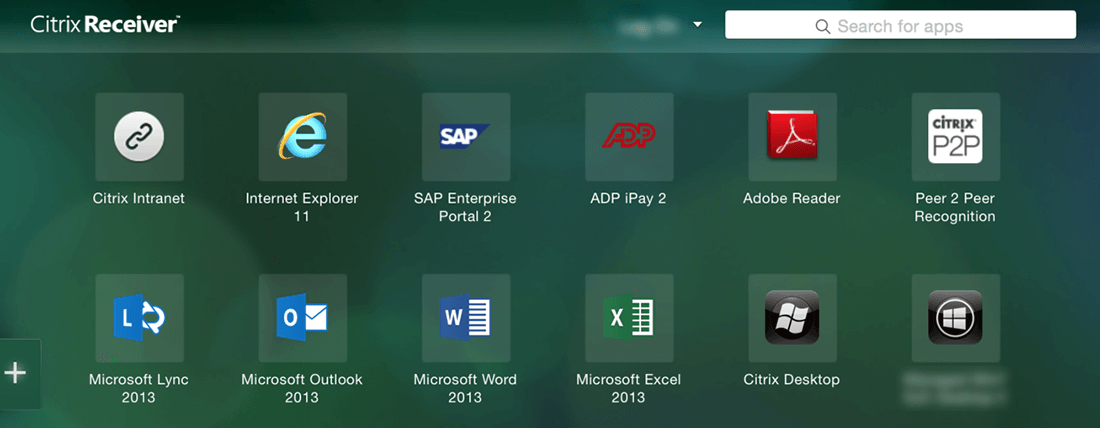
Cisco Smart Install 🔎 →
Section titled “Cisco Smart Install 🔎 →”存在漏洞(某种程度上是”设计如此”,但一旦暴露尤其危险)。
"smart install client active"PBX IP 电话网关 🔎 →
Section titled “PBX IP 电话网关 🔎 →”PBX "gateway console" -password port:23http.title:"- Polycom" "Server: lighttpd"Telnet 配置:🔎 →
"Polycom Command Shell" -failed port:23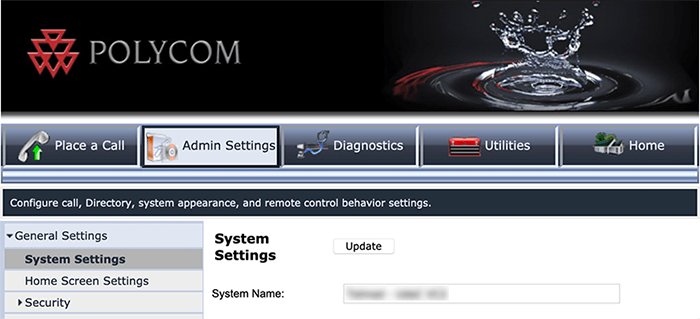
"Server: Bomgar" "200 OK""Intel(R) Active Management Technology" port:623,664,16992,16993,16994,16995HP-ILO-4 !"HP-ILO-4/2.53" !"HP-ILO-4/2.54" !"HP-ILO-4/2.55" !"HP-ILO-4/2.60" !"HP-ILO-4/2.61" !"HP-ILO-4/2.62" !"HP-iLO-4/2.70" port:1900Outlook Web Access:
Section titled “Outlook Web Access:”Exchange 2007 🔎 →
Section titled “Exchange 2007 🔎 →”"x-owa-version" "IE=EmulateIE7" "Server: Microsoft-IIS/7.0"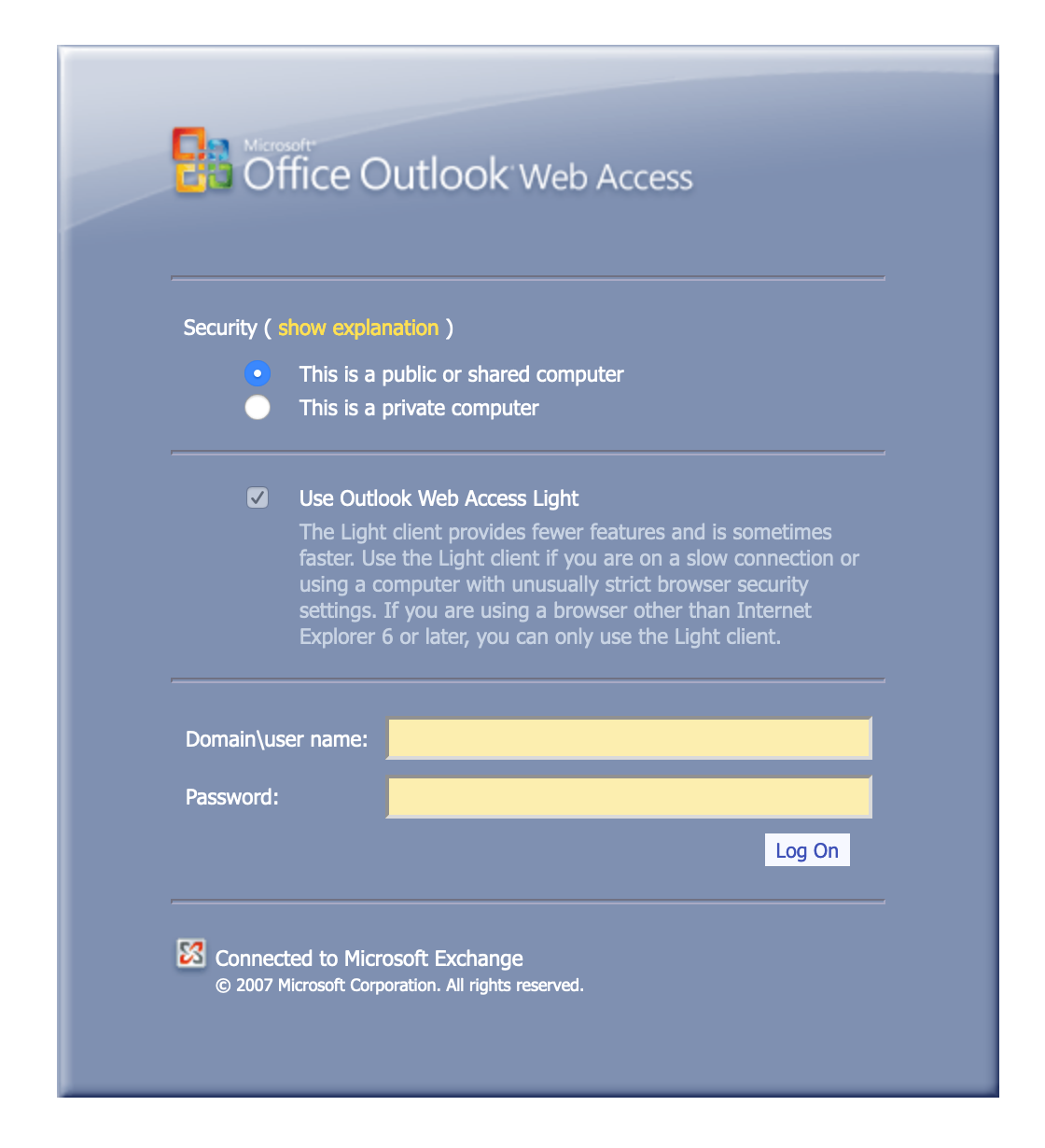
Exchange 2010 🔎 →
Section titled “Exchange 2010 🔎 →”"x-owa-version" "IE=EmulateIE7" http.favicon.hash:442749392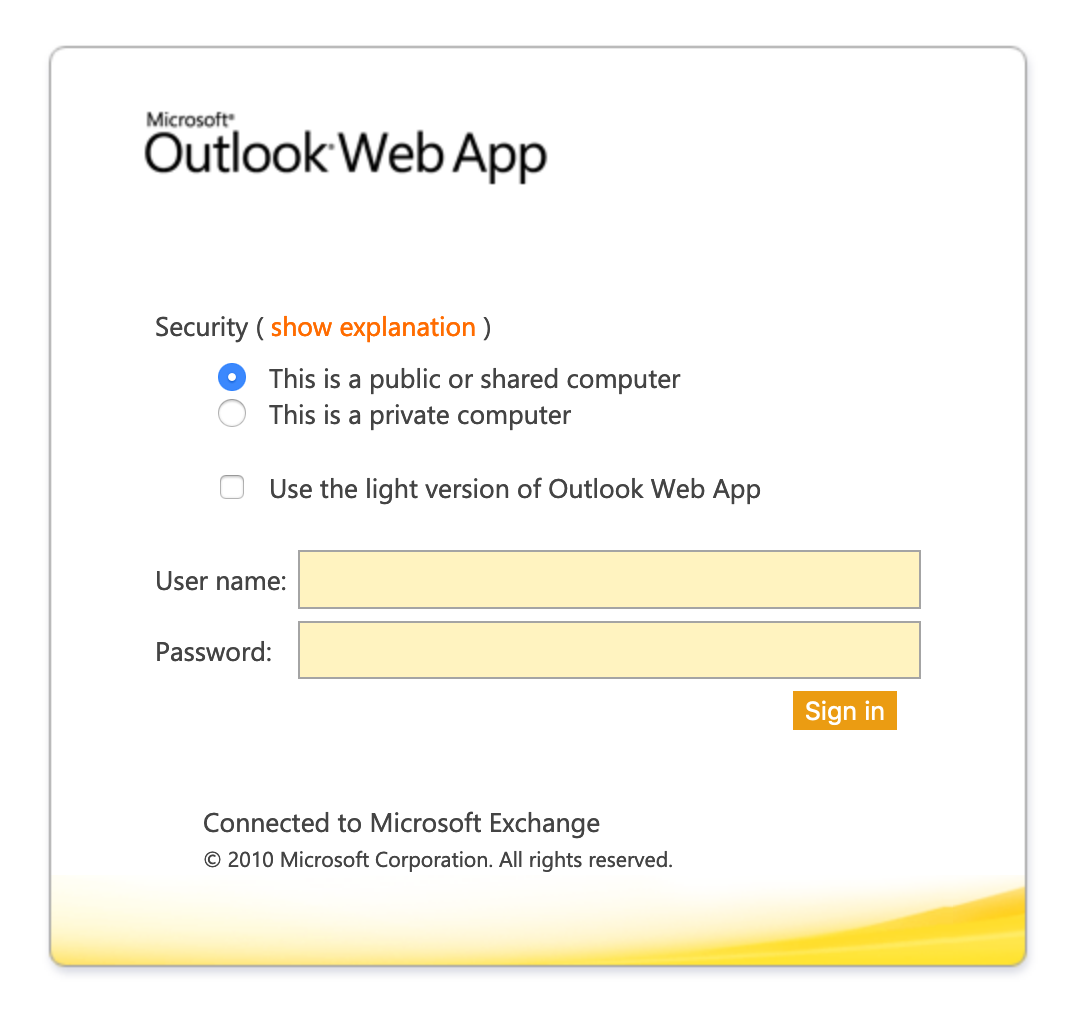
Exchange 2013 / 2016 🔎 →
Section titled “Exchange 2013 / 2016 🔎 →”"X-AspNet-Version" http.title:"Outlook" -"x-owa-version"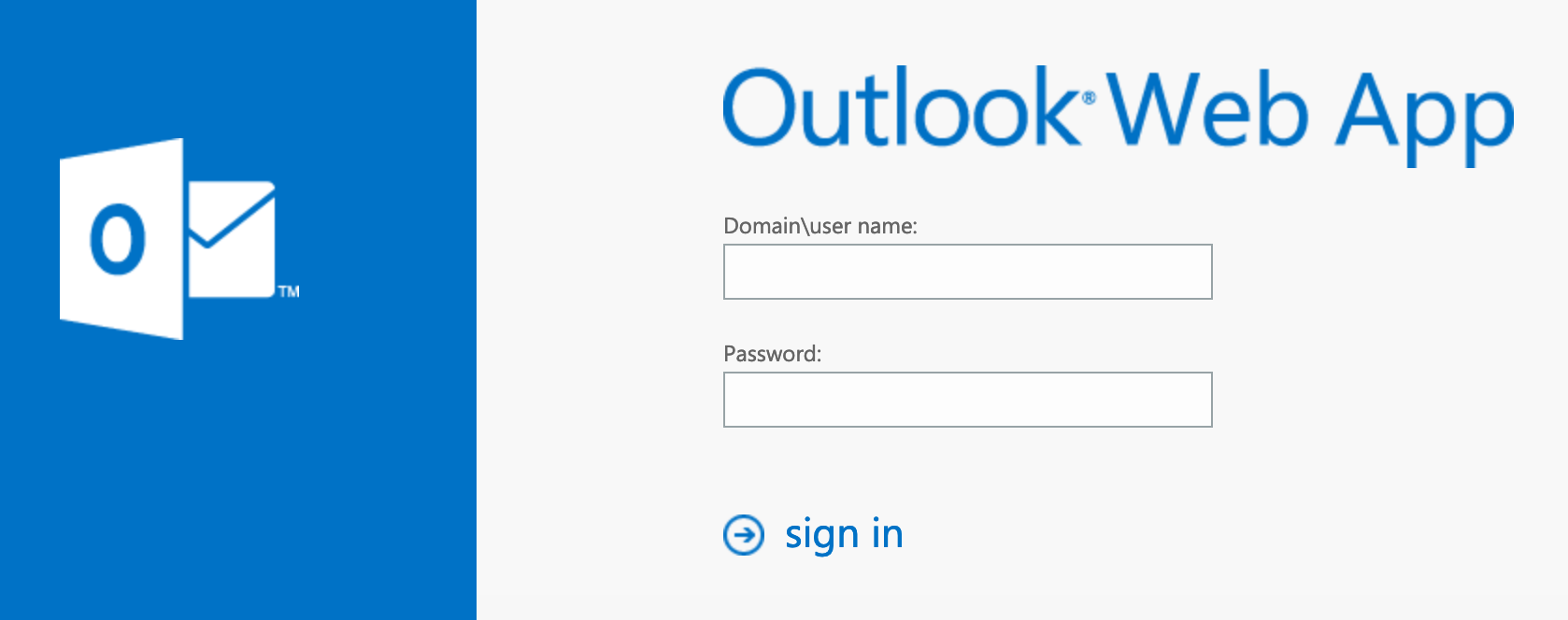
Lync / Skype for Business 🔎 →
Section titled “Lync / Skype for Business 🔎 →”"X-MS-Server-Fqdn"网络附加存储(NAS)
Section titled “网络附加存储(NAS)”SMB(Samba)文件共享 🔎 →
Section titled “SMB(Samba)文件共享 🔎 →”会产生约 500,000 条结果……可通过添加 “Documents” 或 “Videos” 等来缩小范围。
"Authentication: disabled" port:445具体而言域控制器:🔎 →
"Authentication: disabled" NETLOGON SYSVOL -unix port:445关于 QuickBooks 的默认网络共享 文件:🔎 →
"Authentication: disabled" "Shared this folder to access QuickBooks files OverNetwork" -unix port:445允许匿名登录的 FTP 服务器 🔎 →
Section titled “允许匿名登录的 FTP 服务器 🔎 →”"220" "230 Login successful." port:21Iomega / LenovoEMC NAS 硬盘 🔎 →
Section titled “Iomega / LenovoEMC NAS 硬盘 🔎 →”"Set-Cookie: iomega=" -"manage/login.html" -http.title:"Log In"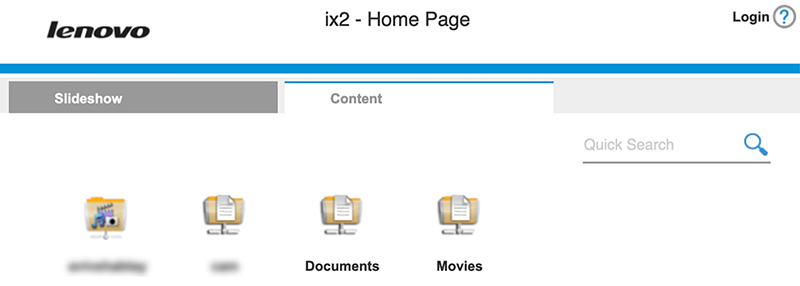
Buffalo TeraStation NAS 硬盘 🔎 →
Section titled “Buffalo TeraStation NAS 硬盘 🔎 →”Redirecting sencha port:9000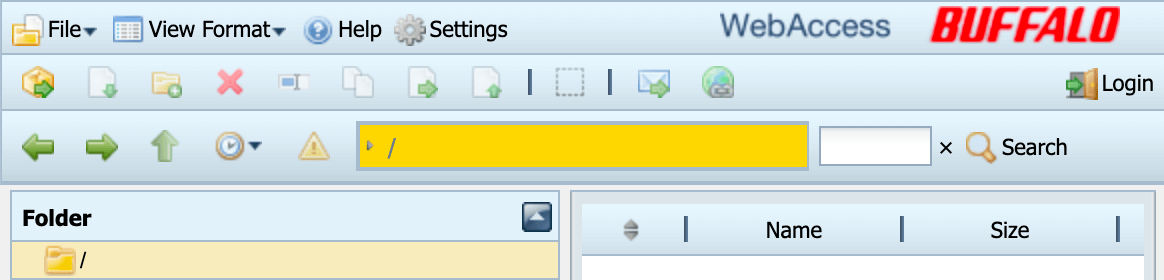
Logitech 媒体服务器 🔎 →
Section titled “Logitech 媒体服务器 🔎 →”"Server: Logitech Media Server" "200 OK"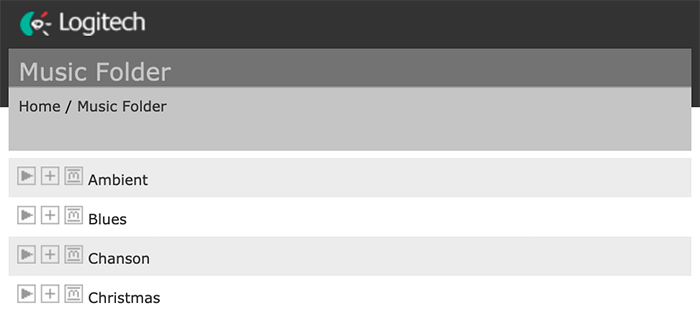
"X-Plex-Protocol" "200 OK" port:32400"CherryPy/5.1.0" "/home"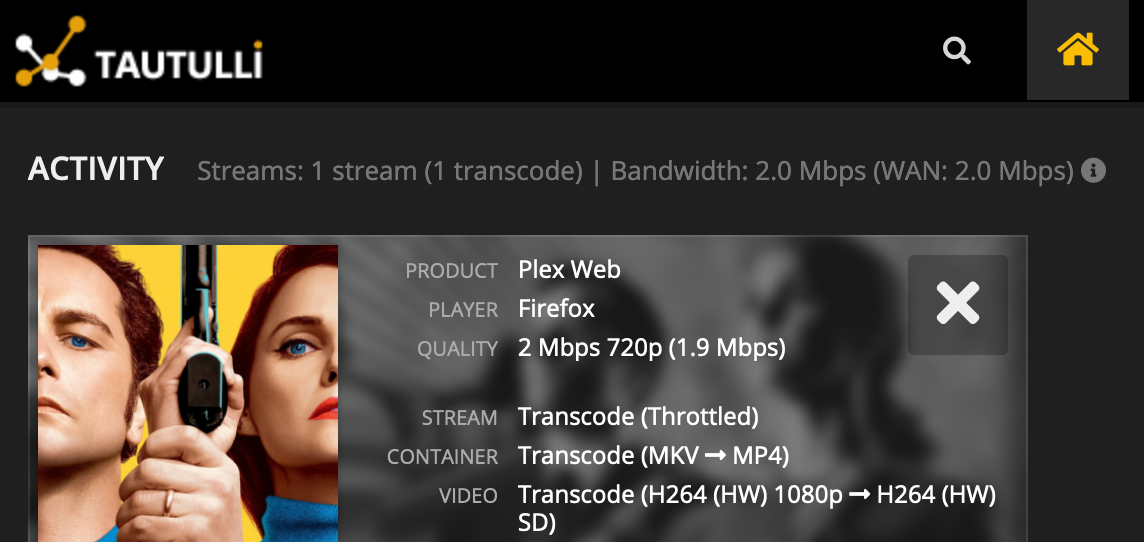
示例图片就没必要了。🤦
"Server: yawcam" "Mime-Type: text/html"webcamXP/webcam7 🔎 →
Section titled “webcamXP/webcam7 🔎 →”("webcam 7" OR "webcamXP") http.component:"mootools" -401Android IP 网络摄像头服务器 🔎 →
Section titled “Android IP 网络摄像头服务器 🔎 →”"Server: IP Webcam Server" "200 OK"html:"DVR_H264 ActiveX"打印机与复印机:
Section titled “打印机与复印机:”"Serial Number:" "Built:" "Server: HP HTTP"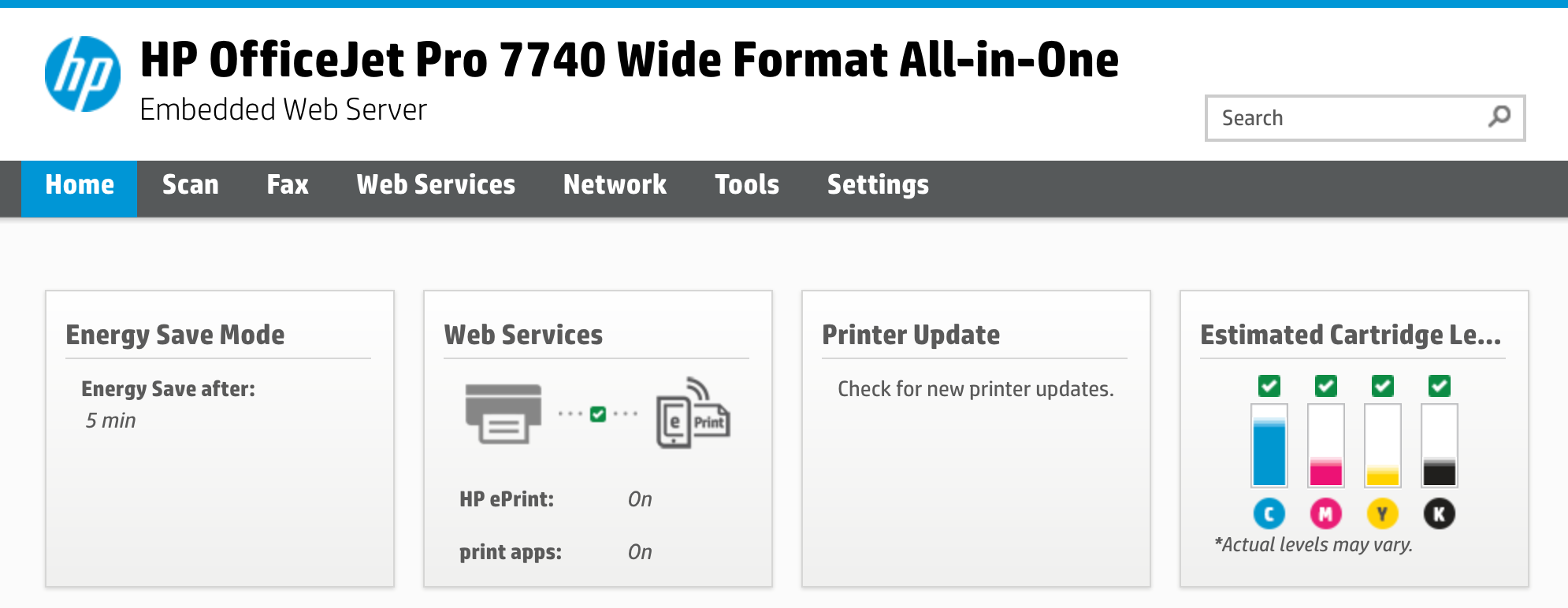
施乐(Xerox)复印机/打印机 🔎 →
Section titled “施乐(Xerox)复印机/打印机 🔎 →”ssl:"Xerox Generic Root"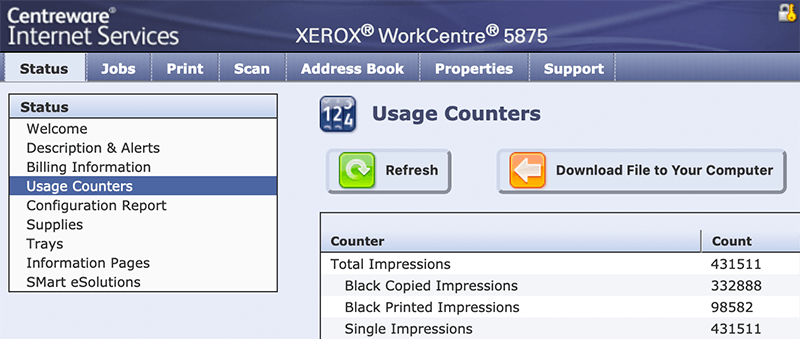
爱普生(Epson)打印机 🔎 →
Section titled “爱普生(Epson)打印机 🔎 →”"SERVER: EPSON_Linux UPnP" "200 OK""Server: EPSON-HTTP" "200 OK"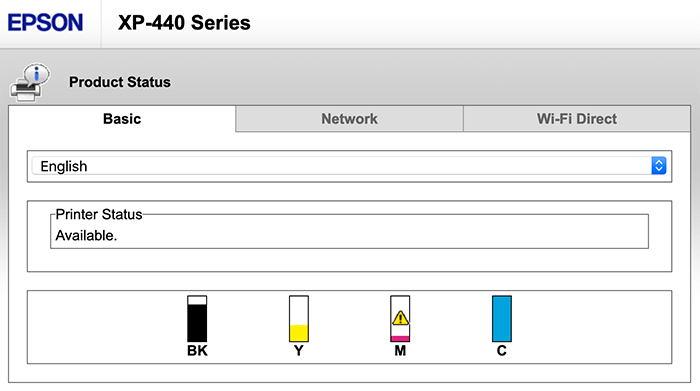
佳能(Canon)打印机 🔎 →
Section titled “佳能(Canon)打印机 🔎 →”"Server: KS_HTTP" "200 OK""Server: CANON HTTP Server"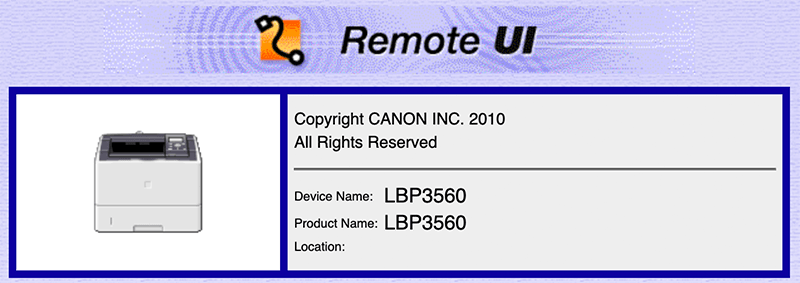
雅马哈(Yamaha)音响 🔎 →
Section titled “雅马哈(Yamaha)音响 🔎 →”"Server: AV_Receiver" "HTTP/1.1 406"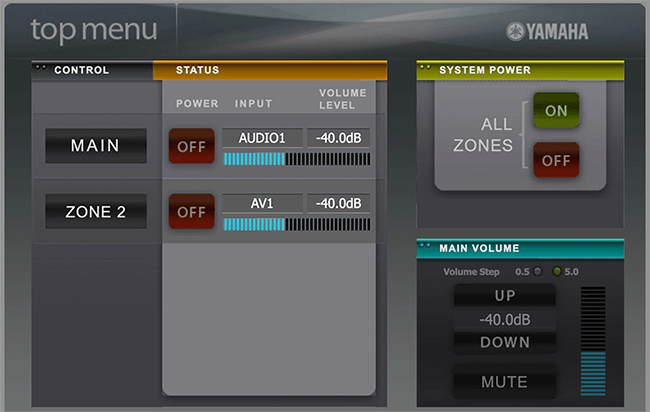
Apple AirPlay 接收器 🔎 →
Section titled “Apple AirPlay 接收器 🔎 →”Apple TV、HomePod 等。
"\x08_airplay" port:5353Chromecast / 智能电视 🔎 →
Section titled “Chromecast / 智能电视 🔎 →”"Chromecast:" port:8008"Model: PYNG-HUB"OctoPrint 3D 打印机控制器 🔎 →
Section titled “OctoPrint 3D 打印机控制器 🔎 →”title:"OctoPrint" -title:"Login" http.favicon.hash:1307375944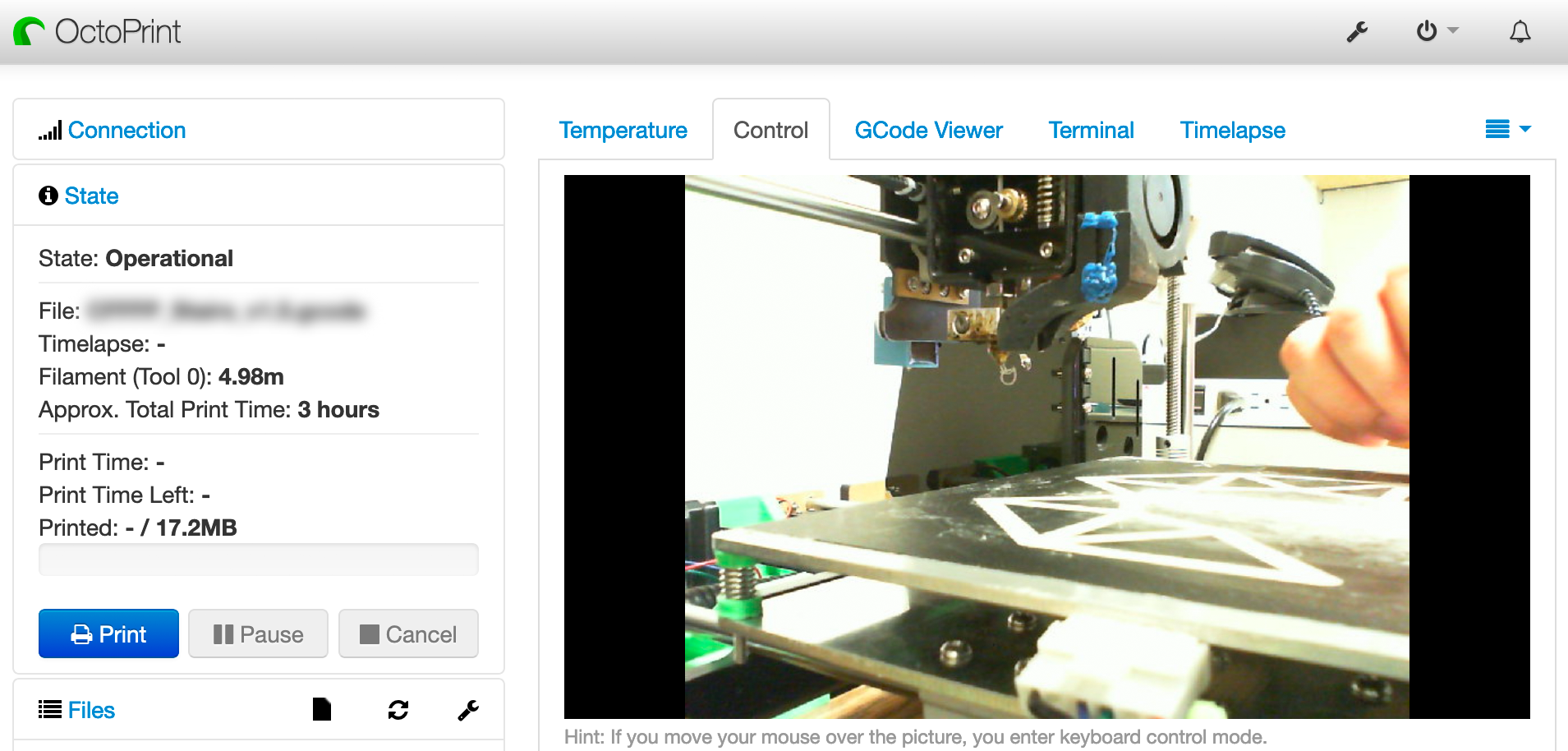
"ETH - Total speed"
Apache 目录列表 🔎 →
Section titled “Apache 目录列表 🔎 →”将 .pem 替换为任意扩展名或文件名,例如 phpinfo.php。
http.title:"Index of /" http.html:".pem"配置错误的 WordPress 🔎 →
Section titled “配置错误的 WordPress 🔎 →”暴露了包含数据库凭据的 wp-config.php 文件。
http.html:"* The wp-config.php creation script uses this file"过多的 Minecraft 服务器 🔎 →
Section titled “过多的 Minecraft 服务器 🔎 →”"Minecraft Server" "protocol 340" port:25565net:175.45.176.0/22,210.52.109.0/24,77.94.35.0/24TCP 每日名言 🔎 →
Section titled “TCP 每日名言 🔎 →”port:17 product:"Windows qotd"找一份做这个的工作!👩💼 🔎 →
Section titled “找一份做这个的工作!👩💼 🔎 →”"X-Recruiting:"如果你发现了其他有趣的 Shodan 宝藏,无论是搜索查询还是具体示例,务必在博客上留下评论,或在 GitHub 上提交 issue/PR。
一路顺风,各位渗透爱好者!😉

在法律允许的最大范围内,Jake Jarvis 已放弃本作品的所有版权及相关或邻接权利。
HagiCode
HagiCode 是面向项目开发的 AI 编码工作台:丰富、便捷的界面交互让规划、Agent 执行与项目工作更容易上手和跟进,带来更投入的开发体验。
丰富、便捷的界面交互,让规划、Agent 执行与项目工作更容易上手和跟进。

- 智能OpenSpec 工作流把意图转化为从提案、设计、任务到交付的可执行路径。
- 高效多 Agent 并行推进调研、实现与审阅,并支持多仓库变更和你熟悉的 Agent CLI。
- 有趣丰富、便捷的界面交互让规划、Agent 执行与项目工作更容易上手和跟进,带来更投入的开发体验。
下载 Windows 版
分享 HagiCode

让想法变成真正交付的软件。
HagiCode 是面向项目开发的 AI 编码工作台:用 OpenSpec 工作流规划变更,多 Agent 并行执行,再由 Hero Scenario 让进度一目了然,把想法变成真正交付的软件。
- 智能
- OpenSpec 工作流把意图变成从提案到交付的可执行路径。
- 高效
- 多 Agent 并行推进调研、实现与审阅。
- 有趣
- 丰富、便捷的界面交互,让规划、Agent 执行和项目工作更容易跟进。
© 2026 HagiCode | Powered By hagilight-starlight@0.21.0 | Branch: main | Commit: 745b50b | Built: